Top 12 Free Receipt Templates Microsoft Word For 2026
Discover the 12 best free receipt templates Microsoft Word has to offer. Download, customize, and print professional receipts for any business need.
In a fast-paced business environment, creating clear, professional receipts is non-negotiable. They are essential for accurate expense tracking, smooth tax preparation, and building lasting customer trust. While designing a receipt from scratch is an option, using pre-made receipt templates Microsoft Word provides a significantly faster and more reliable solution. A well-designed template ensures all necessary fields are present, projects a professional image, and saves you valuable time that can be better spent on core business activities.
This guide is your direct path to the best resources online. We’ve done the research to bring you a curated list of the top 12 sources for downloadable Word receipt templates, suitable for everyone from freelancers and small business owners to office managers and even prop masters. Forget endless searching; we provide direct links, clear screenshots, and practical insights for each option. We'll show you exactly where to find high-quality free and premium templates that you can download and customize in minutes.
Our goal is simple: to help you quickly find the perfect template for your specific needs. Whether you need a simple sales receipt, a detailed service invoice, or a specialized cash acknowledgment, this list has you covered. We will explore each platform's offerings, highlight their unique strengths, and provide guidance on customizing your chosen template. We’ll also touch on what to do when your needs evolve beyond a basic Word document, recommending advanced tools for more complex financial management.
1. Smartsheet
Smartsheet offers a comprehensive and well-organized gallery of free business-focused receipt templates for Microsoft Word. It stands out by packaging multiple template types onto a single, easy-to-navigate page, catering to a wide array of business transactions. Users can find dedicated layouts for basic sales, cash payments, rent collection, and even petty cash management, making it an excellent one-stop resource for small businesses and freelancers.
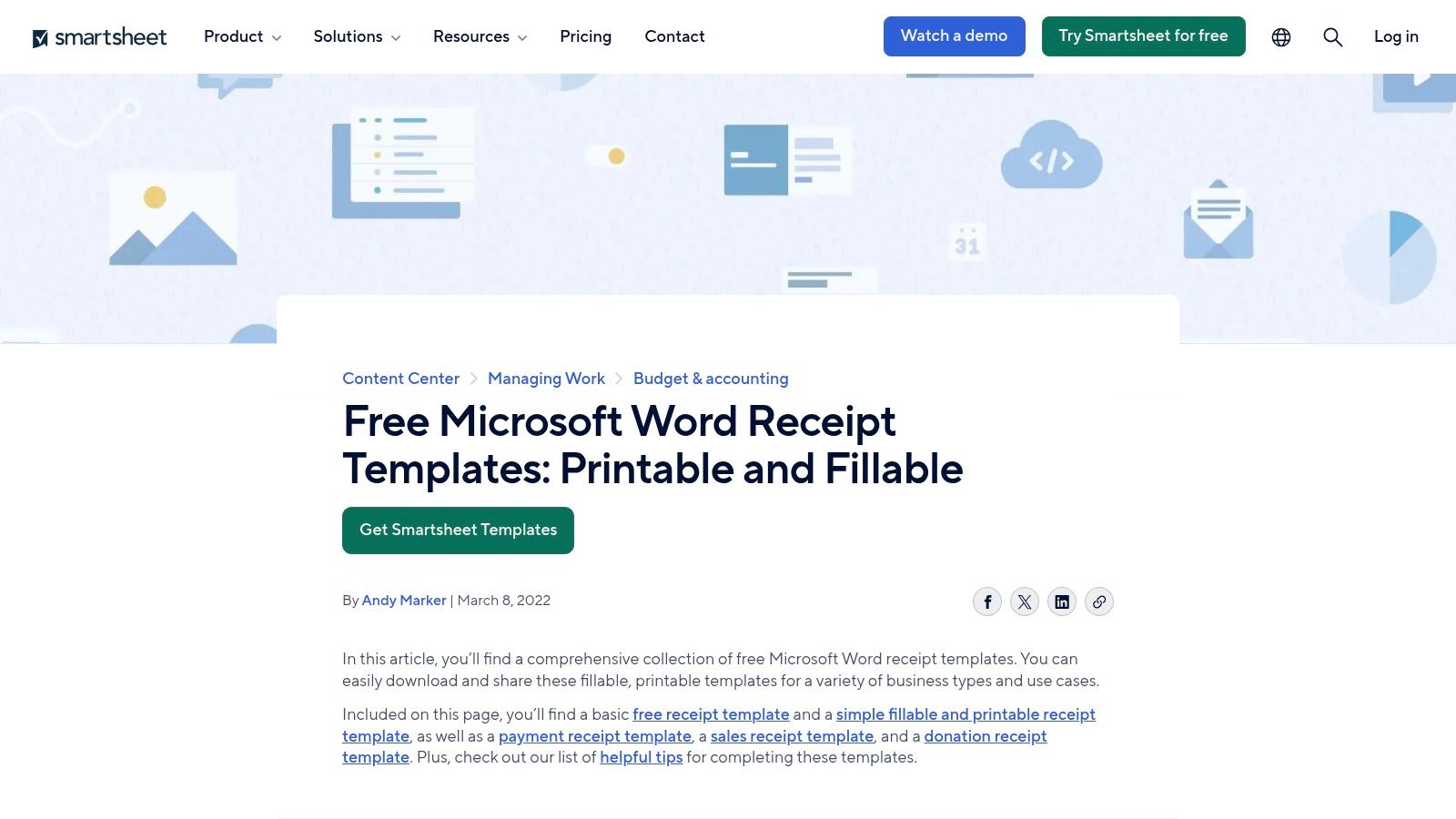
The user experience is straightforward, with direct "Download – Microsoft Word" buttons for each template, providing immediate access to DOCX files without any sign-up requirements. What sets Smartsheet apart is its educational approach; the download page is often accompanied by detailed articles explaining what information is legally required on a receipt and best practices for filling one out. This guidance is invaluable for new business owners ensuring compliance and professionalism.
Analysis & Key Features
The templates themselves are utilitarian in design, prioritizing clarity and function over creative flair. Each field is clearly labeled, often with example entries, which simplifies the editing process significantly. While the designs are somewhat generic, their professional and clean structure makes them suitable for nearly any business context, from retail sales to service provider payments. The primary downside is the occasional promotion for Smartsheet's core project management software, but these are generally unobtrusive.
- Website: Smartsheet Receipt Templates
- Pricing: Free
- Access: Direct download (no registration needed)
- Best For: Users who need a variety of professional, no-frills receipt templates for Microsoft Word and appreciate the accompanying instructional content.
2. Template.net
Template.net offers a massive library of professionally designed receipt templates for Microsoft Word, acting as a visual marketplace for virtually any transaction type. Its strength lies in its sheer volume and variety, providing specific layouts for sales, rent, donations, and even industry-specific needs like construction or medical services. The platform is structured like a stock photo site, allowing users to filter by format, style, and category to quickly find a suitable design.
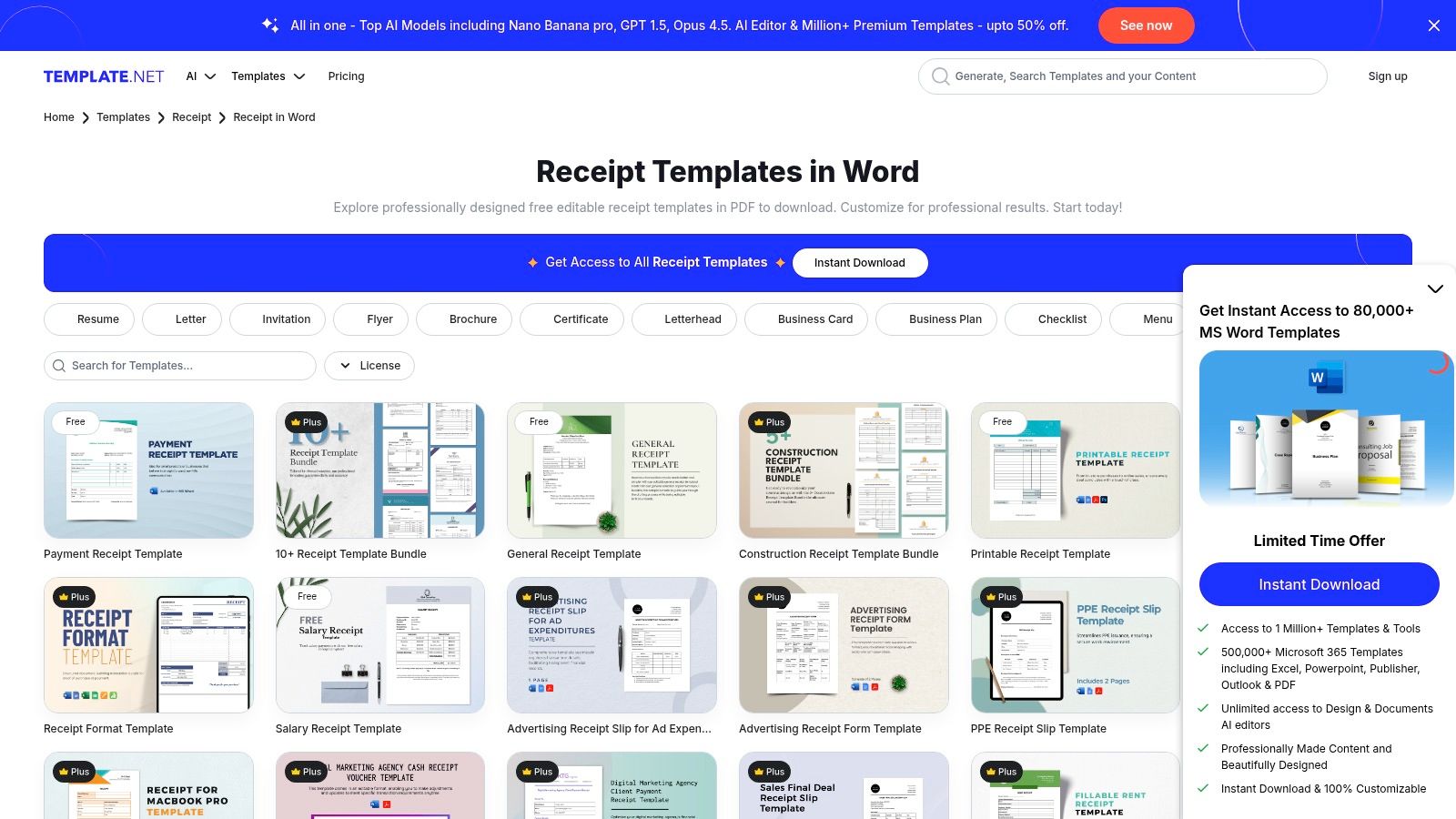
The user experience is heavily geared toward discovery, encouraging browsing through its extensive catalog. While some templates are available for free download after a simple sign-up, the most polished and unique designs are locked behind a Pro subscription. This freemium model allows users to test the quality before committing. A standout feature is the availability of matching design sets, which lets businesses maintain a consistent brand identity across invoices, receipts, and other documents.
Analysis & Key Features
The templates from Template.net often feature more creative and modern designs compared to more utilitarian sources. They are fully editable DOCX files, with clean layers that make it easy to insert a logo and customize colors. This makes them a great choice for businesses that want a more branded or visually appealing receipt. The main drawback is the subscription model for premium designs, which might not be suitable for users seeking a one-time free download. For those exploring different receipt creation methods, a guide on a free online receipt template can offer valuable insights into digital alternatives.
- Website: Template.net Receipt Templates
- Pricing: Free (with registration) & Pro Subscription plans
- Access: Sign-up required for free downloads; subscription for premium
- Best For: Businesses and freelancers looking for a wide variety of stylish, brand-focused receipt templates for Microsoft Word and who are open to a subscription for premium designs.
3. Etsy (Marketplace)
Etsy offers a vast and creative marketplace for downloadable receipt templates for Microsoft Word, connecting users directly with independent designers and small businesses. Unlike corporate template galleries, Etsy provides thousands of unique, artist-crafted designs, ranging from minimalist and modern to rustic and branded. This makes it an ideal destination for businesses looking to find a receipt that perfectly matches their brand identity and aesthetic, rather than settling for a generic layout.
The platform operates on a one-time purchase model, where you buy a specific template and receive an instant digital download of the DOCX file. This direct-to-consumer approach is cost-effective and straightforward. A key advantage is the built-in social proof; buyer reviews and star ratings for each seller help you gauge the quality and ease of use before purchasing. Furthermore, direct messaging with the creator often provides a level of personalized support you won't find on larger, automated sites.
Analysis & Key Features
The primary appeal of Etsy is the sheer variety and creativity of the available templates. Sellers often bundle multiple color variations or include matching invoice and business card designs, providing excellent value. While the quality can vary from one seller to another, paying close attention to reviews and product previews is crucial for making a good choice. The main drawback is that policies on refunds for digital goods are often strict, so it is important to be certain before you buy.
- Website: Etsy - Search for "Word Receipt Templates"
- Pricing: Low one-time fee (typically $2 - $10)
- Access: Instant digital download after purchase
- Best For: Creatives, small businesses, and freelancers who want unique and brand-aligned receipt templates for Microsoft Word and value seller support.
4. General Blue
General Blue provides a collection of free, highly practical, and editable receipt templates for Microsoft Word. The platform focuses on simplicity and utility, offering clean, standard layouts suitable for a variety of common business transactions like sales, services, and rental payments. Its main advantage lies in its straightforward approach: what you see is what you get, with no frills or complicated steps.
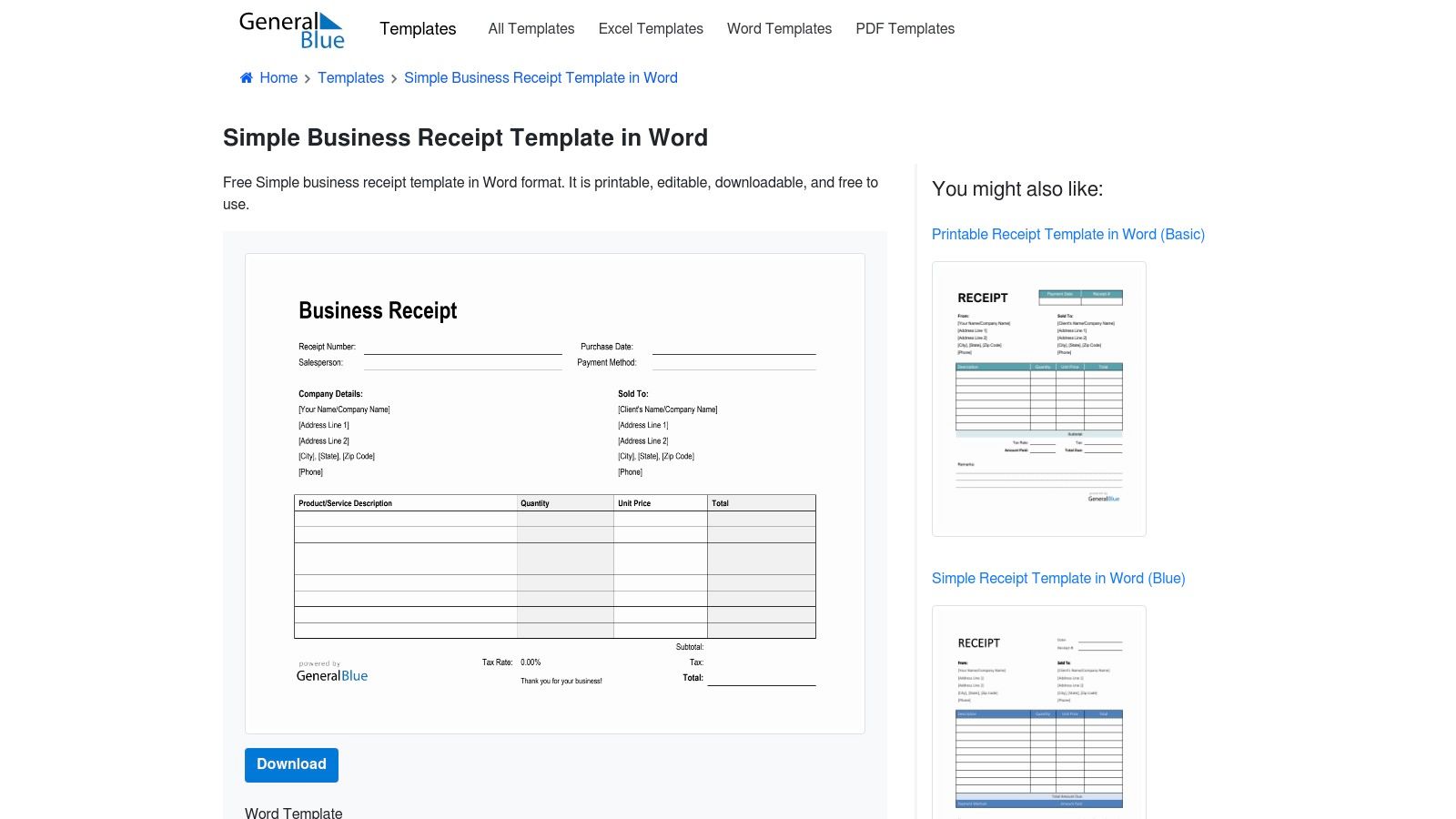
The user experience is exceptionally direct. A single click on the "Word" button initiates an instant download of the DOCX file, with no sign-ups or email captures required. General Blue also provides identical templates in Excel and PDF formats, which is a convenient feature for businesses that use multiple programs. This cross-format availability ensures consistency in documentation, regardless of the software being used. For those specifically dealing with cash transactions, understanding the required fields is crucial, which you can learn more about in this guide on creating a free cash receipt form.
Analysis & Key Features
The templates from General Blue are designed for pure functionality. They feature clearly labeled fields, a logical flow of information, and a professional, uncluttered appearance that works well for everyday business use. While they lack advanced design elements or extensive branding customization options, their strength is in their simplicity and ease of use. The explicit note allowing for commercial use provides peace of mind for business owners. The primary limitation is the absence of niche or highly specialized industry templates, making it best for general-purpose receipt needs.
- Website: General Blue Receipt Templates
- Pricing: Free
- Access: Direct download (no registration needed)
- Best For: Small businesses and freelancers who need simple, reliable, and print-ready receipt templates for Microsoft Word without complex features or design requirements.
5. nuTemplates
nuTemplates offers a focused and minimalist collection of receipt templates for Microsoft Word, ideal for users who prioritize simplicity and efficiency. Rather than providing an overwhelming library, it concentrates on essential layouts like a basic sales receipt and a simple receipt. This approach is perfect for small businesses, sole proprietors, or individuals who need a clean, printer-friendly document without complex features or heavy branding.
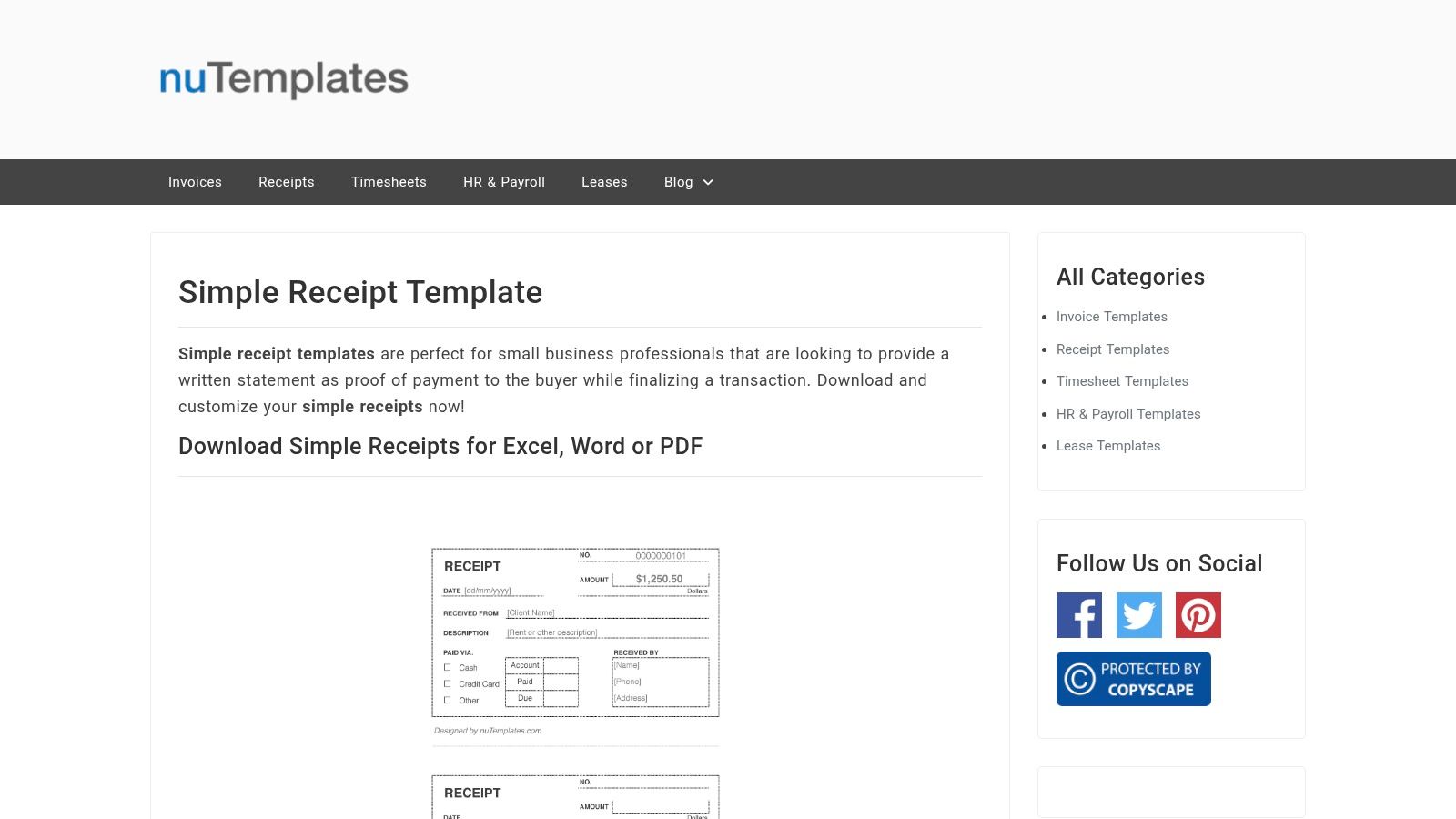
The user experience is incredibly direct. Each template has its own page with brief instructions and clear download buttons for DOCX, Excel, and PDF formats, eliminating any guesswork. This multi-format availability is a key differentiator, allowing users to choose the tool they are most comfortable with. The site's clean design ensures that you can find, download, and start editing your chosen template within seconds, without navigating through sign-up forms or advertisements.
Analysis & Key Features
The templates from nuTemplates are designed with function at their core. They feature a straightforward, single-column layout with ample white space, ensuring the final printed document is easy to read and inexpensive on ink. While they lack advanced design elements, this minimalism is their greatest strength, providing a professional and uncluttered look suitable for any transaction. A minor drawback is the limited selection, which may not satisfy users looking for highly specialized receipt types like rent or petty cash. The brief license notes also require a quick review to ensure compliance with commercial use.
- Website: nuTemplates Simple Receipt Template
- Pricing: Free
- Access: Direct download (no registration needed)
- Best For: Individuals and small businesses seeking clean, highly legible, and printer-friendly receipt templates for Microsoft Word with companion PDF and Excel options.
6. Wise (Business Templates)
Wise, a major player in the fintech space, extends its business-friendly tools to include a curated selection of free receipt templates for Microsoft Word. The platform focuses on providing a professional, ready-to-brand solution that aligns with the needs of modern small businesses and international freelancers. Its offering is presented not just as a standalone file but as part of a larger business toolkit, complete with practical guidance on issuing, saving, and sharing receipts professionally.
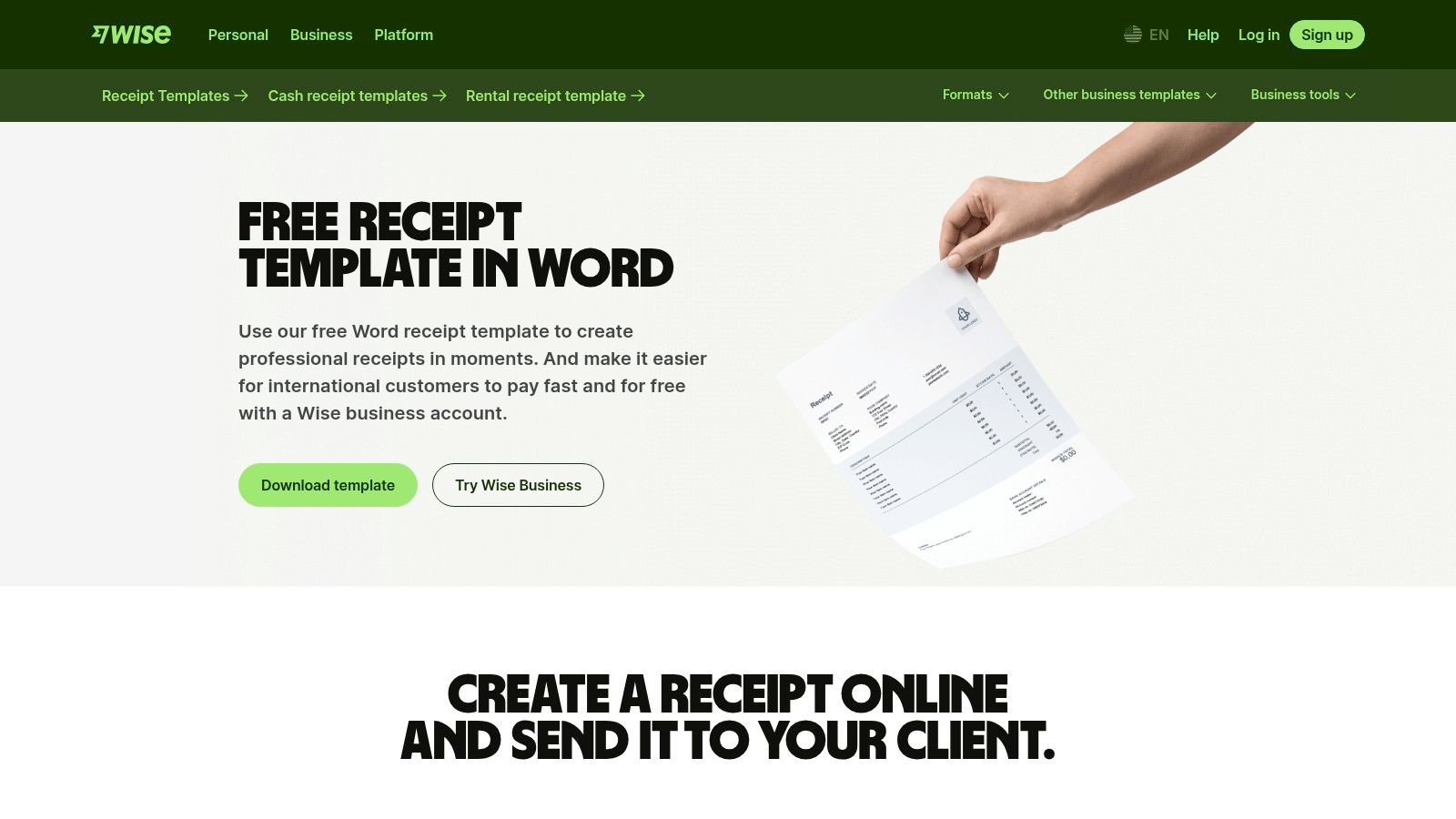
The user experience is clean and direct, offering a single-click download for the DOCX template without requiring any sign-up or personal information. What makes Wise stand out is the context it provides; the templates are framed with helpful explainer content about essential receipt components and business finance best practices. This educational approach, backed by a reputable financial technology brand, adds a layer of trust and authority to the resource, making it more than just a simple download.
Analysis & Key Features
The Wise receipt template features a modern and minimalist design that prioritizes clarity and brandability. It includes all necessary fields for a comprehensive transaction record, such as company logos, itemized lines, taxes, and payment details. You can learn more about creating a detailed breakdown by consulting a quality itemized receipt template guide. While the variety is limited to a single core design, its professional aesthetic is versatile enough for most service-based businesses, consultants, and digital nomads. The primary drawback is the visible promotion for Wise's own business account services on the download page, though it does not interfere with accessing the free template.
- Website: Wise Business Templates
- Pricing: Free
- Access: Direct download (no registration needed)
- Best For: Small businesses and freelancers who value a clean, professional design from a trusted fintech source and need a straightforward receipt template for Microsoft Word without extensive options.
7. Bookipi
Bookipi positions itself as a stepping stone from manual documents to digital automation, offering a clean selection of free receipt templates for Microsoft Word. The platform is designed for modern businesses that appreciate a minimalist aesthetic and a straightforward user experience. Their gallery, while not as vast as some competitors, provides several professionally formatted layouts suitable for sales, services, and general payments, ensuring a polished look for any transaction.
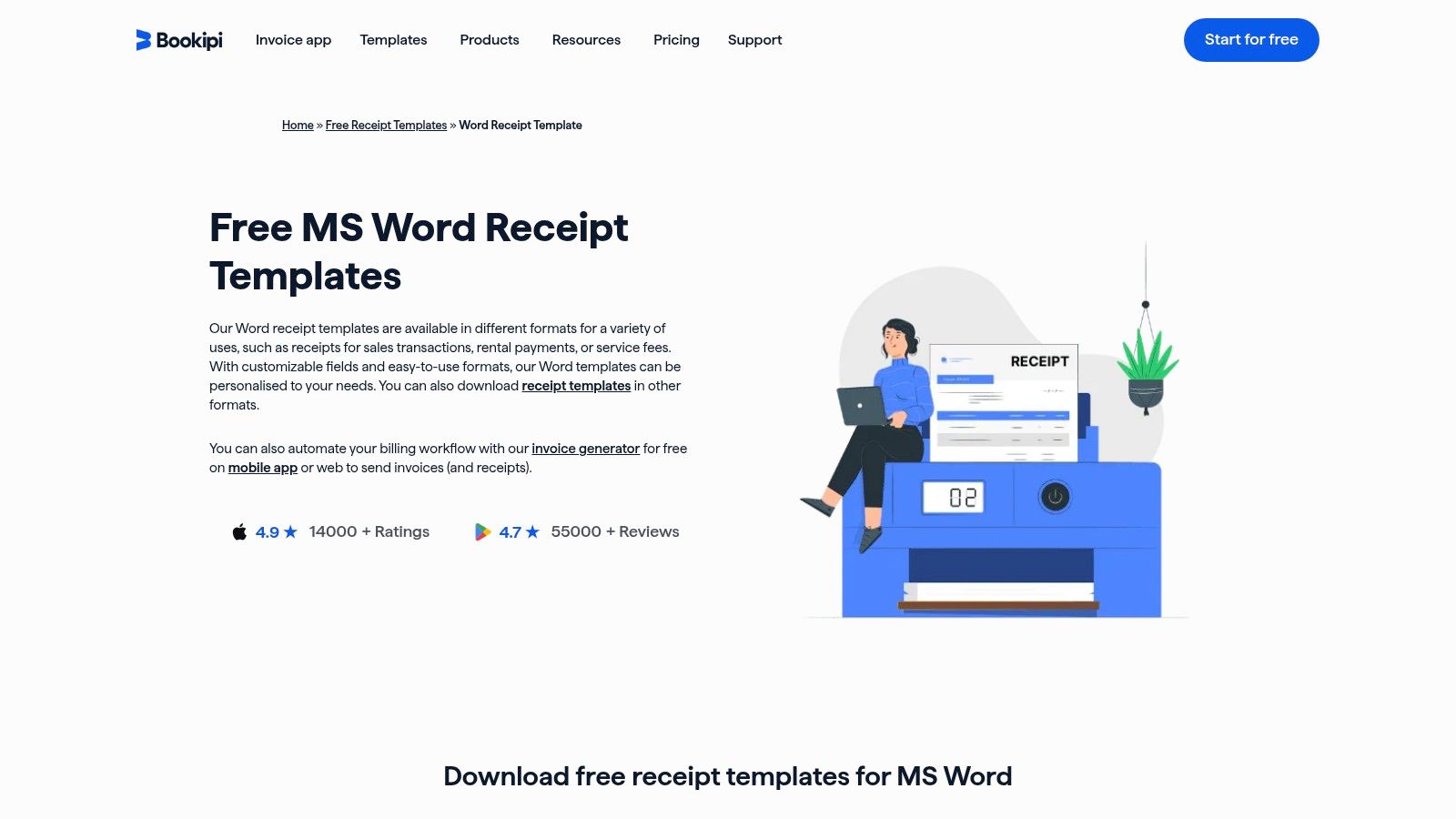
What makes Bookipi a unique entry is its clear upgrade path. Users can start with a simple DOCX template and, when their business grows, transition to Bookipi’s free invoicing and receipt-maker app. This creates a cohesive ecosystem for financial document management. The templates are available for instant download without registration and are also offered in PDF, Excel, and Google Docs/Sheets formats, providing excellent cross-platform flexibility for users who work across different software suites.
Analysis & Key Features
The Word templates from Bookipi feature a modern and clean design that is easy to customize with a company logo and brand colors. Each field is logically placed, making the templates intuitive to fill out even for those unfamiliar with receipt creation. While the initial designs are somewhat basic, their simplicity is their strength, allowing for quick edits without the clutter of complex design elements. The primary drawback is the limited number of stylistic variations, which might not suit businesses looking for a more unique or industry-specific design.
- Website: Bookipi Receipt Templates
- Pricing: Free
- Access: Direct download (no registration needed)
- Best For: Freelancers and small businesses who want clean, modern receipt templates for Microsoft Word with an easy option to graduate to a dedicated receipt-making app.
8. eForms
eForms offers a free and legally minded Sales Receipt template, making it an excellent resource for businesses prioritizing compliance and standardization. While it focuses on a single primary template, its strength lies in the contextual guidance provided, particularly concerning state-specific sales tax requirements. The platform clearly displays when the template was last updated, adding a layer of credibility and ensuring users are working with a current, relevant document.
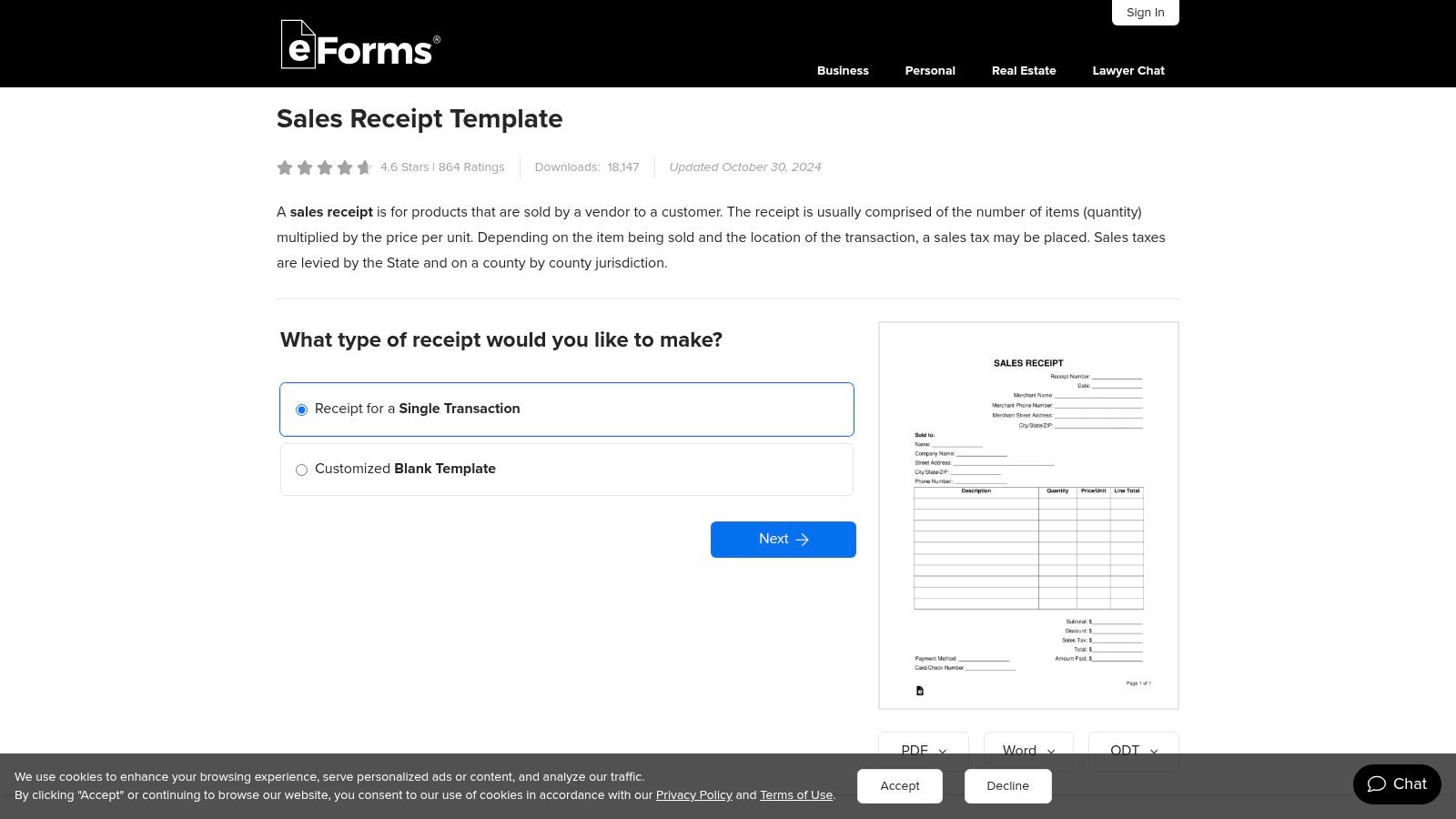
The user experience is clean and direct, offering the template as a DOCX file alongside PDF and ODT formats without requiring registration. Instead of offering a vast gallery, eForms provides a single, well-vetted sales receipt designed to meet common legal standards. This approach is ideal for users who feel overwhelmed by too many choices and simply need a reliable, professional receipt template for Microsoft Word that covers all the essential transactional details.
Analysis & Key Features
The eForms template is functional and straightforward, with a classic layout that is universally understood. Each field is clearly defined, and the accompanying on-page information helps users understand the purpose of each section, such as calculating sales tax correctly. While the design is not visually customizable out-of-the-box, its professional structure is suitable for any formal sales transaction. The primary limitation is its narrow focus on sales receipts, lacking variety for other payment types like rent or service retainers.
- Website: eForms Sales Receipt Template
- Pricing: Free
- Access: Direct download (no registration needed)
- Best For: Small businesses and sole proprietors who need a legally sound, standard sales receipt template for Microsoft Word and value clear, compliance-focused guidance.
9. OffiDocs
OffiDocs provides a functional gallery of basic receipt templates for Microsoft Word, distinguished by its compatibility with various office suites. The platform caters not only to Microsoft Office users but also to those using open-source alternatives like LibreOffice and OpenOffice. It offers several core templates, including a cash receipt, a general sales receipt, and a free receipt format, covering the most common transaction types for small-scale operations.
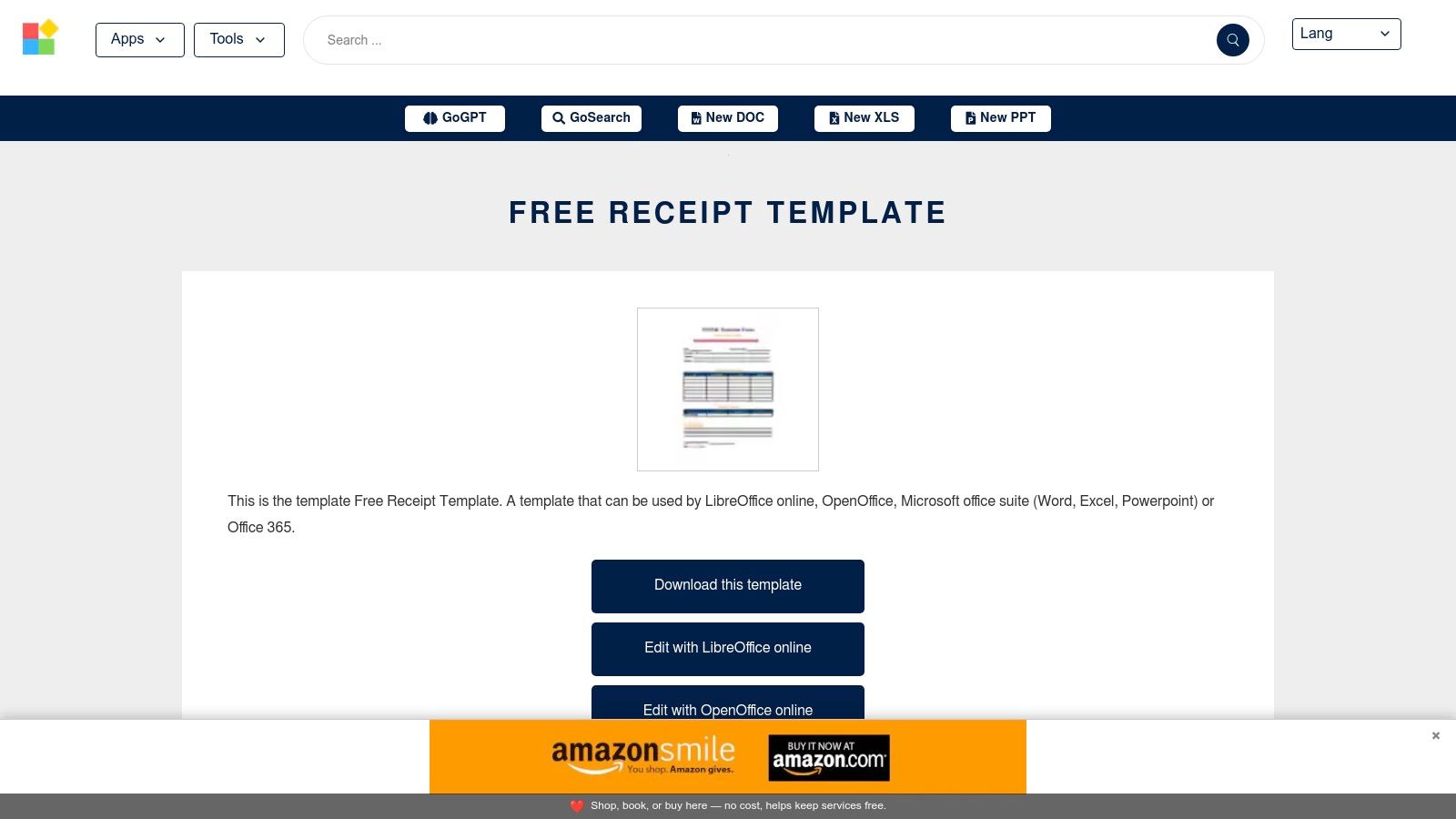
A unique feature of OffiDocs is its integrated browser-based editor, allowing users to make quick modifications to a template online before downloading the final DOCX file. This can be useful for minor adjustments without needing to open a full desktop application. However, the user experience can be challenging, as the website is heavily supported by advertisements that can sometimes be intrusive and slow down navigation.
Analysis & Key Features
The templates offered by OffiDocs are fundamentally simple and minimalist, prioritizing function over form. Their bare-bones design makes them easy to adapt but may require additional branding and customization to appear fully professional. The main advantage is the platform’s flexibility, ensuring that users of different word processing software can access and use the files without compatibility issues. Despite the clunky interface, the direct access and editing options make it a viable source for anyone needing a quick, no-frills receipt.
- Website: OffiDocs Receipt Templates
- Pricing: Free
- Access: Direct download and online editing (no registration needed)
- Best For: Users who work with LibreOffice or OpenOffice and need a quick, highly compatible receipt template for Microsoft Word without signing up for a service.
10. OfficeTemplatesOnline
OfficeTemplatesOnline provides a focused collection of downloadable receipt templates for Microsoft Word designed for practical office use. The platform specializes in highly functional layouts, such as cash receipts and petty cash forms, that are optimized for physical record-keeping. Its most notable feature is the inclusion of printer-friendly, three-per-page templates, which are ideal for businesses that need to create their own physical receipt books efficiently.
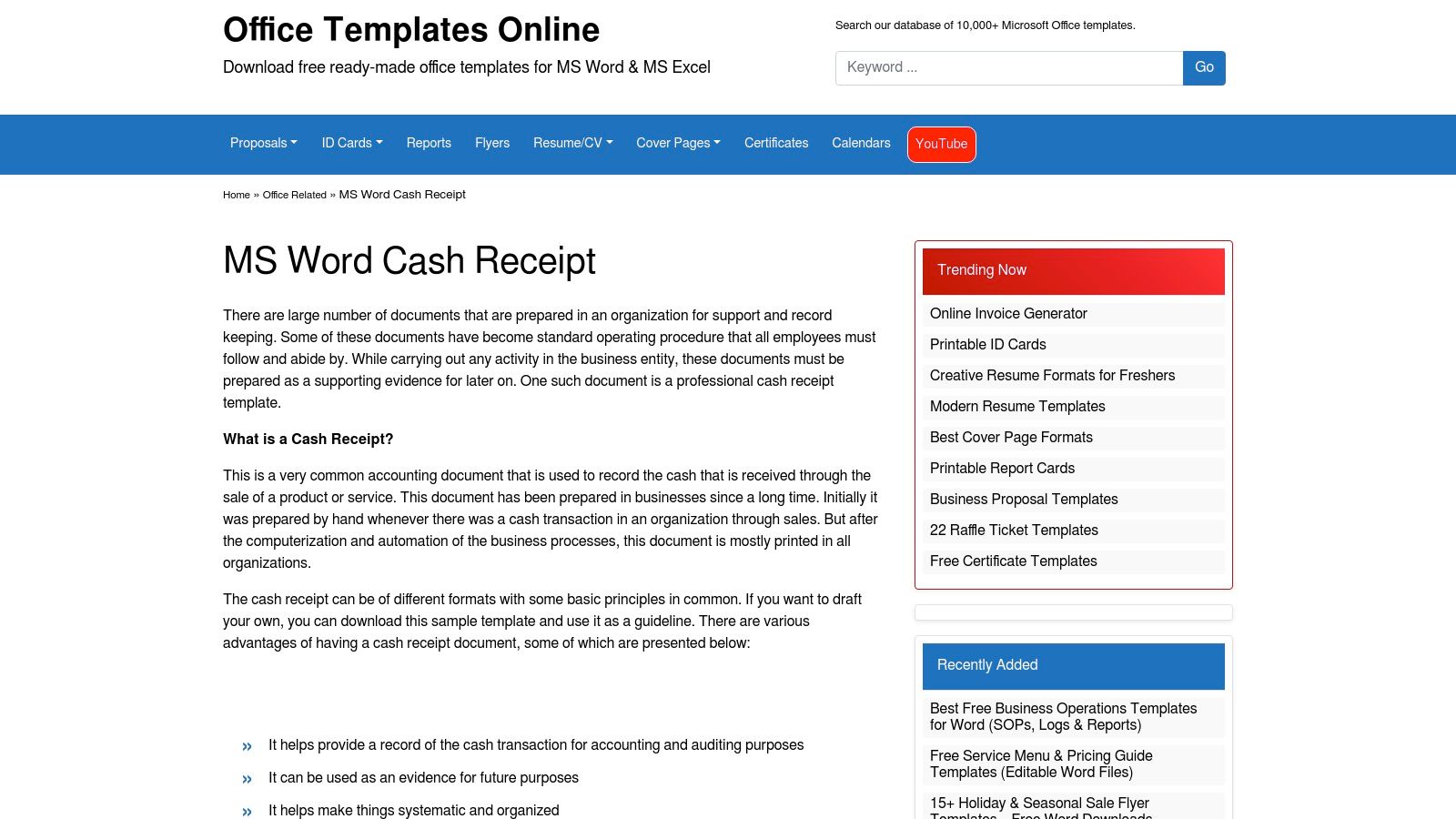
The user experience is direct and uncomplicated, with templates available for immediate download in DOCX format. Each template page includes a brief overview and a clear screenshot, so users know exactly what they are getting. The designs are specifically tuned for US letter-size paper, ensuring that printing and cutting are hassle-free. This practical approach makes it a valuable resource for administrators and office managers who handle frequent, small-scale transactions.
Analysis & Key Features
The templates from OfficeTemplatesOnline are purely utilitarian, prioritizing function over aesthetics. Fields are clearly laid out for easy data entry, and the multi-receipt-per-page format is a significant advantage for anyone looking to print in bulk, cut, and staple into a book. While the design is very basic and lacks customization options, the layouts are clean and professional. The main limitation is the small catalog; it doesn't offer the vast variety seen on larger template hubs but excels in its specific niche of print-optimized office receipts.
- Website: OfficeTemplatesOnline Receipt Templates
- Pricing: Free
- Access: Direct download (no registration needed)
- Best For: Office managers and small businesses that need practical, printer-friendly receipt templates for Microsoft Word to create physical receipt books for internal use.
11. TemplateHaven
TemplateHaven provides a highly practical and efficient solution for users needing to print multiple receipts at once. Its primary offering is a single, free receipt template for Microsoft Word designed in a "three-up" sheet format. This layout, which places three identical receipts on a single A4 or Letter-sized page, is perfect for small businesses, landlords, or office managers who need to create physical receipt books or quickly issue multiple copies without wasting paper.
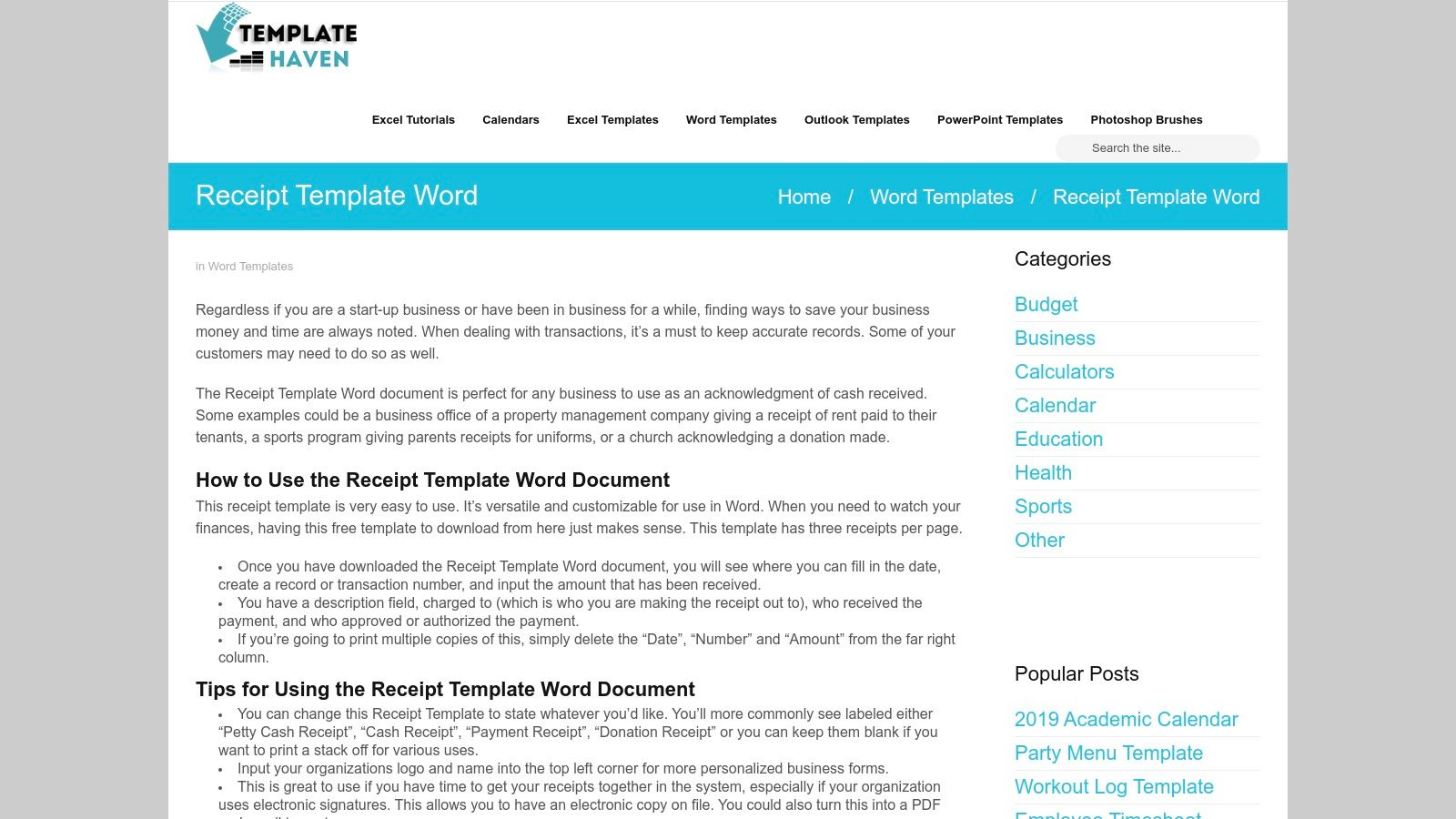
The user experience is incredibly direct. The website features a clear preview and a prominent download button for the DOCX file, eliminating any need for sign-ups or navigating complex menus. TemplateHaven stands out by focusing on a specific, practical use case: batch printing. This approach is ideal for anyone who prefers to have a stack of pre-printed, blank receipts on hand to fill out manually, such as for craft fairs, rental payments, or petty cash disbursements.
Analysis & Key Features
The template design is minimalist and clean, prioritizing function over aesthetics. It includes all the essential fields: date, receipt number, payer and payee information, description of goods or services, and payment details. This simplicity makes it extremely fast to fill out, either digitally before printing or by hand afterward. The main limitation is the lack of variety; there is only one style available, and it lacks advanced fields for things like tax breakdowns or discounts. However, for its intended purpose of rapid, high-volume receipt creation, this streamlined design is a significant advantage.
- Website: TemplateHaven Receipt Template
- Pricing: Free
- Access: Direct download (no registration needed)
- Best For: Users who need to print receipt templates for Microsoft Word in batches to create physical receipt pads or books for quick, on-the-go use.
12. Docelf
Docelf offers a clean and user-friendly source for several free receipt templates for Microsoft Word, designed for rapid customization and deployment. The platform simplifies the process by presenting multiple common layouts on one page, including standard, simple, blank, and hourly-rate receipts. This approach is ideal for users who need to quickly generate a professional-looking receipt without navigating a complex template library or dealing with mandatory sign-ups.
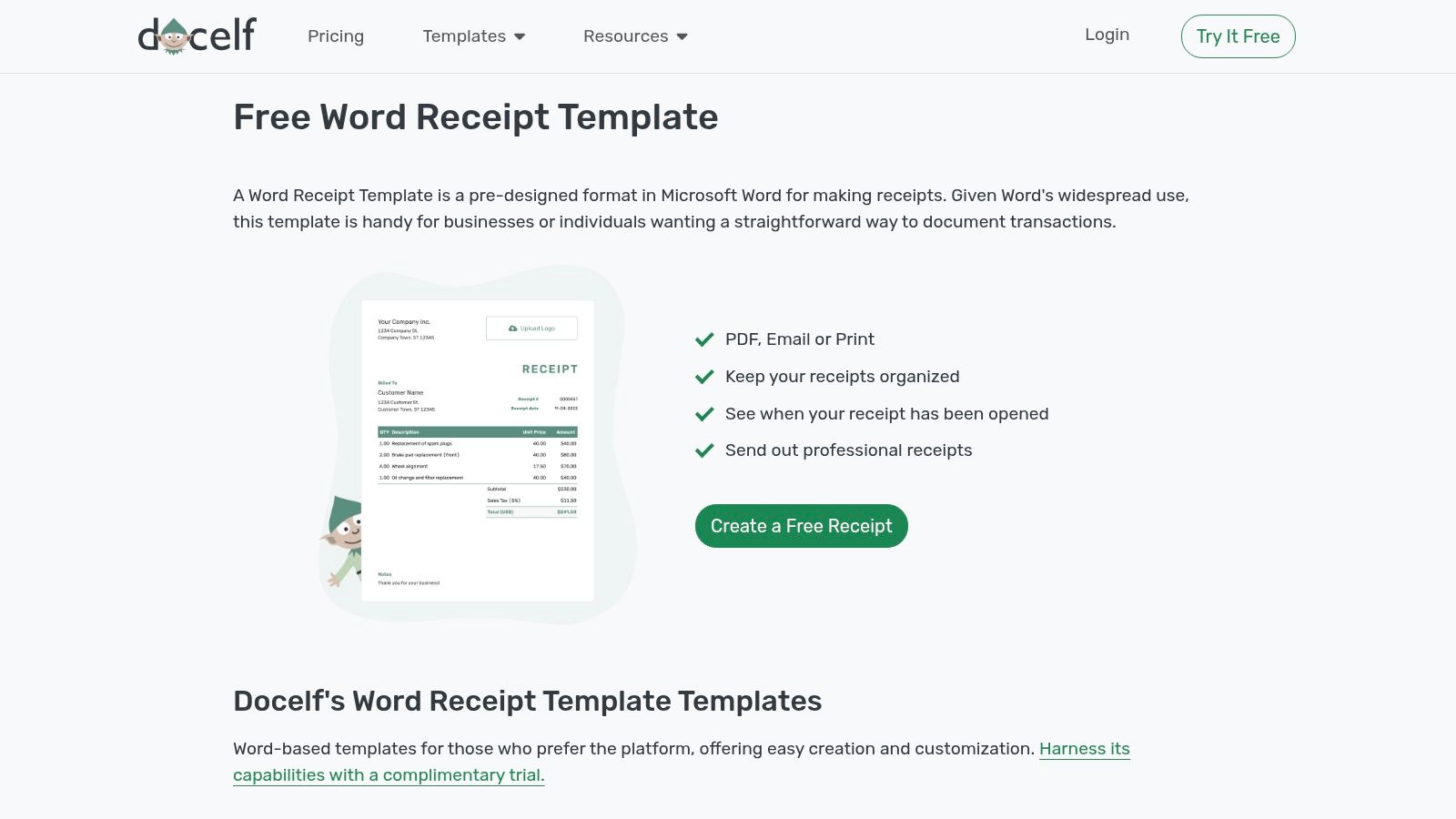
The user experience is exceptionally beginner-friendly, with clear download buttons for each Word template. While the primary function is to provide DOCX files for offline editing, Docelf also integrates optional account-based features for sending and tracking receipts online. This hybrid approach gives users the flexibility to either use the templates as standalone documents or leverage the platform's tools for a more complete invoicing workflow, though this is not required.
Analysis & Key Features
The templates from Docelf are practical and modern, with a focus on easy editing and printing. Each layout provides a well-organized structure that is intuitive for both the creator and the recipient. The designs are versatile enough to suit various business types, from service-based freelancers to small retail shops. The main drawback is a smaller selection compared to larger template repositories, and the site occasionally promotes its own platform tools alongside the free downloads.
- Website: Docelf Receipt Templates
- Pricing: Free
- Access: Direct download (optional registration for extra tools)
- Best For: Beginners and small business owners looking for straightforward, easy-to-customize receipt templates for Microsoft Word with the option to use integrated digital tracking features.
12 Microsoft Word Receipt Template Resources — Comparison
| Item | Core features ✨ | UX / Quality ★ | Price / Value 💰 | Target audience 👥 | Notable strength 🏆 |
|---|---|---|---|---|---|
| Smartsheet | Multiple receipt types, DOCX/Excel/PDF, field guidance | ★★★★ — business‑grade clarity | 💰 Free downloads (some promo) | 👥 Small businesses, admins | 🏆 Curated, explanatory how‑to content |
| Template.net | Large library, filters, editable DOCX, matching sets | ★★★★ — consistent formatting | 💰 Free + Pro subscription for premium | 👥 Designers/SMBs needing variety | 🏆 Huge variety & format filters |
| Etsy (Marketplace) | Thousands of seller DOCX templates, instant download | ★★★ — quality varies by seller | 💰 Low one‑time purchases | 👥 Creatives, brand‑focused buyers | 🏆 Unique, boutique designs |
| General Blue | Free printable/editable DOCX with Excel/PDF versions | ★★★ — practical and straightforward | 💰 Free | 👥 Everyday businesses needing simple receipts | 🏆 Clean, easy‑to‑use templates |
| nuTemplates | Small focused library: Simple & Sales receipts (DOCX) | ★★★★ — clean, printer‑friendly | 💰 Free | 👥 Users wanting minimal, printable receipts | 🏆 Minimal, no‑fuss designs |
| Wise (Business Templates) | Ready‑to‑brand Word templates + sharing guidance | ★★★★ — professional base designs | 💰 Free (brand‑promotional) | 👥 Small businesses & Wise customers | 🏆 Fintech‑backed, professional templates |
| Bookipi | Several Word layouts, PDF/Excel/Google formats, app option | ★★★★ — modern & clear | 💰 Free templates + optional app | 👥 Freelancers/SMBs seeking automation | 🏆 Easy path to invoicing app |
| eForms | Sales receipt DOCX, sales‑tax guidance, update history | ★★★★ — legally oriented | 💰 Free | 👥 Businesses needing tax/legal compliance | 🏆 Legal guidance & version history |
| OffiDocs | DOC/DOCX receipts, browser editor, Libre/OpenOffice compatible | ★★ — ad‑heavy UX | 💰 Free | 👥 Users of OpenOffice/LibreOffice or quick edits | 🏆 Broad suite compatibility & online editing |
| OfficeTemplatesOnline | Cash/petty cash templates, three‑per‑page, letter‑size | ★★★ — utilitarian, printer‑tuned | 💰 Free | 👥 Office admins making physical receipt books | 🏆 Three‑up layouts for batch printing |
| TemplateHaven | Simple DOC/DOCX three‑up receipt sheet | ★★★ — minimalist & fast | 💰 Free | 👥 Small offices needing quick batch prints | 🏆 Extremely easy to use |
| Docelf | Multiple variants (standard, hourly), quick edit, send/track | ★★★★ — beginner‑friendly | 💰 Free (site tools optional) | 👥 Beginners & small businesses | 🏆 Send/track features for simple workflows |
Beyond Word: When to Upgrade to a Dedicated Receipt Maker
Navigating the world of receipt templates Microsoft Word can feel like a significant step forward for any small business owner, freelancer, or administrator. Throughout this guide, we've explored a comprehensive collection of resources, from the versatile offerings on Smartsheet and Template.net to the unique, handcrafted designs found on Etsy. We've seen how tools like General Blue and nuTemplates provide straightforward, no-frills solutions, while platforms such as Wise and Bookipi cater to the specific financial documentation needs of modern businesses.
The core takeaway is that a well-chosen Word template is an incredibly powerful and accessible starting point. It offers a low-cost, familiar environment for creating essential financial documents, giving you control over branding and content without a steep learning curve. Whether you're a filmmaker needing a realistic prop or a contractor invoicing a client, the right template can instantly elevate your professionalism.
However, as your business grows or your needs become more complex, the very simplicity that makes Word appealing can become a significant limitation. The manual processes that were once manageable can quickly turn into time-consuming bottlenecks that are prone to human error.
Recognizing the Tipping Point: From Word to Specialized Tools
So, when does it make sense to move beyond a static Word document? The answer lies in identifying the friction points in your current workflow. A basic template works well for occasional, one-off needs, but it begins to falter when volume, accuracy, and efficiency become critical.
Consider upgrading if you consistently encounter these challenges:
- Repetitive Data Entry: Are you manually typing the same customer information, item descriptions, and tax rates over and over? This is not only inefficient but also a major source of costly typos and calculation errors.
- Lack of Automation: A Word template cannot automatically calculate subtotals, apply discounts, or compute sales tax. Doing this by hand for every single receipt is a significant time drain and increases the risk of mistakes that can impact your accounting.
- Difficult Record-Keeping: Managing a folder full of individual .docx files is not a scalable solution for financial tracking. It makes searching for specific transactions, generating sales reports, or preparing for tax season an unnecessarily complicated and stressful task.
- Authenticity and Design Limitations: While customizable, Word templates can sometimes look generic. Achieving a truly authentic, modern, or specialized appearance-like a realistic thermal print receipt for a retail prop-is often difficult without advanced design skills or a purpose-built tool.
The Strategic Advantage of a Dedicated Receipt Maker
When these limitations start to hinder your productivity and professionalism, it's a clear signal to explore dedicated solutions. A specialized receipt maker isn't just a replacement for a Word template; it's a strategic upgrade that streamlines your entire process. These platforms are engineered specifically for creating financial documents quickly and accurately.
They introduce powerful features that are simply unavailable in a word processor. Imagine a system where you can save customer details and product lists, automatically perform all calculations, and generate a perfectly formatted, professional-grade receipt in seconds. This is the efficiency a dedicated tool provides. Furthermore, many offer cloud-based storage, making your records accessible, searchable, and secure from anywhere, which is invaluable for on-the-go professionals and organized businesses.
Ultimately, the journey starts with understanding your immediate needs, which a receipt templates microsoft word document can often solve perfectly. But the destination for a growing, efficient operation is a tool built for the job. Recognizing when to make that transition is key to saving time, reducing errors, and presenting a polished, professional image in every transaction.
If you've hit the limits of what a Word template can do, it's time to experience the speed and professionalism of a dedicated tool. Receipt Maker offers a library of over 100 templates, automatic calculations, and realistic thermal print styles to help you create authentic, error-free receipts in seconds. Try it for free and see how easily you can elevate your business documentation at Receipt Maker.