Free Custom Receipt Generator
Create custom receipts from ready-made store templates in seconds!

Pick a Receipt Template and Customize It
Retail stores, coffee shops, gas stations, rideshare — whatever you need, we have a template ready.
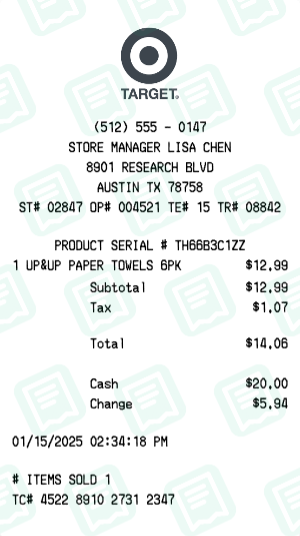
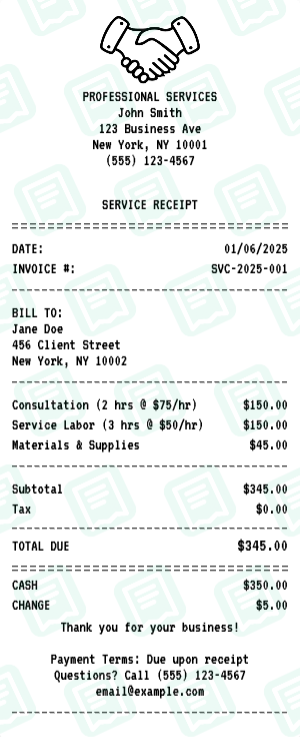
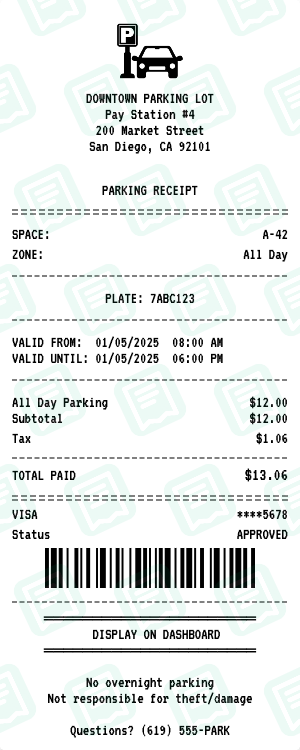
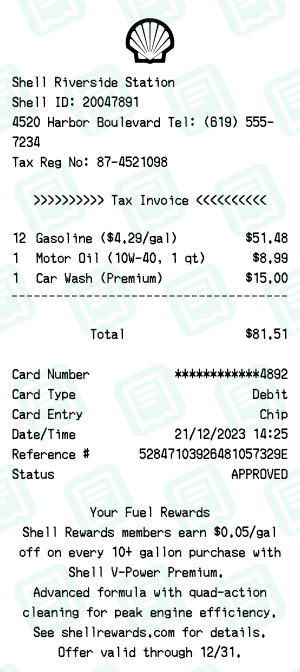
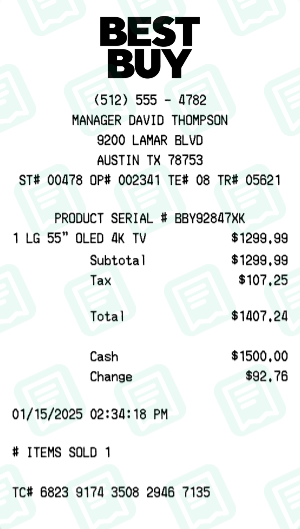
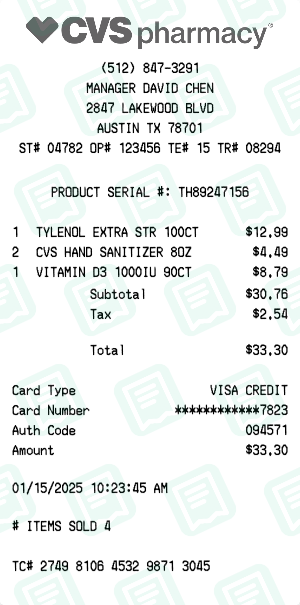
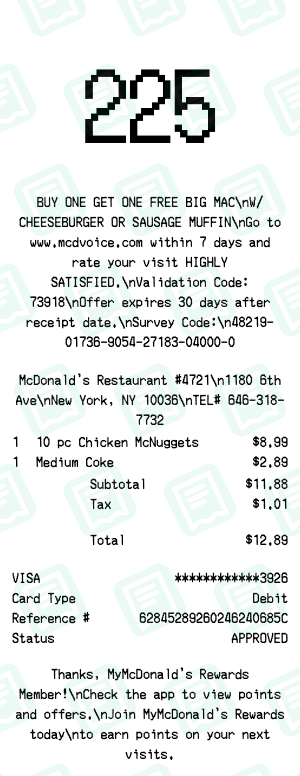
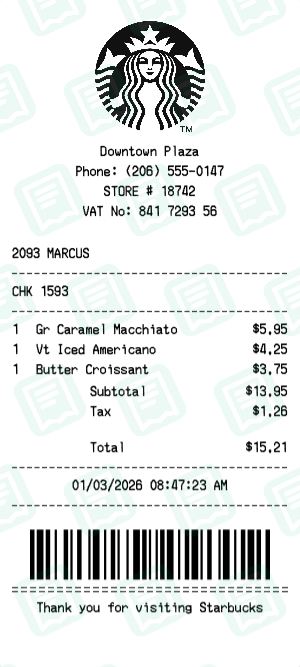
Pre-filled Receipt Examples
Start with a realistic example and customize it to your needs in seconds.
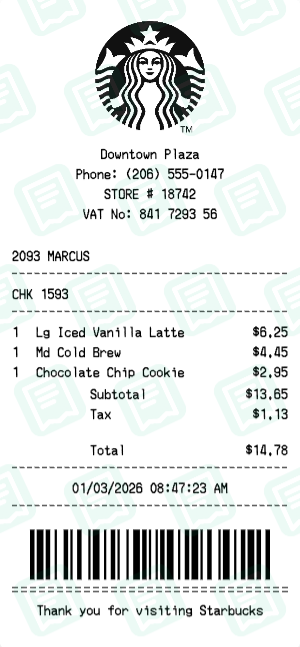
Starbucks Receipt with Lg Iced Vanilla Latte, Md Cold Brew, Chocolate Chip Cookie totaling $15
Starbucks receipt - Iced Vanilla Latte, Cold Brew & Cookie
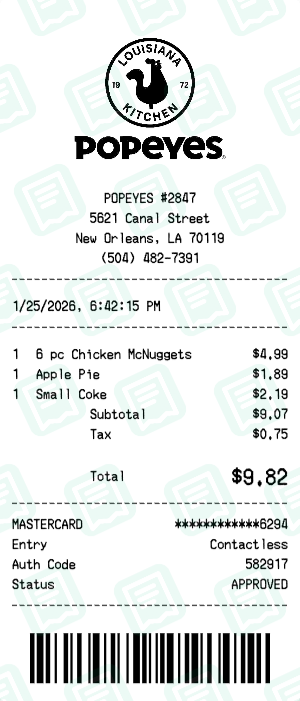
Popeyes Receipt with 6 pc Chicken McNuggets, Apple Pie, Small Coke totaling $10
Popeyes receipt - Small order and dessert
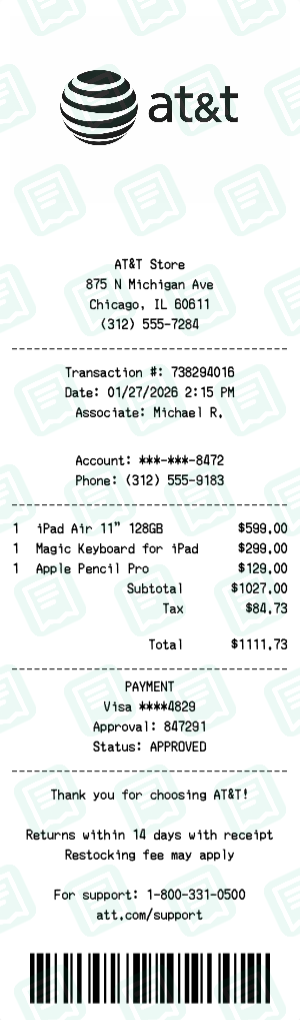
Att Receipt with iPad Air 11" 128GB, Magic Keyboard for iPad, Apple Pencil Pro totaling $1,112
AT&T receipt - iPad tablet with keyboard
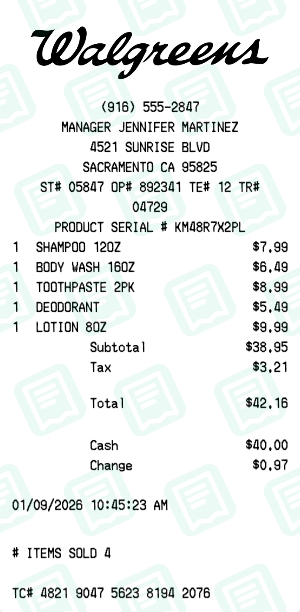
Walgreens Receipt with SHAMPOO 12OZ, BODY WASH 16OZ, TOOTHPASTE 2PK totaling $42
Walgreens receipt - Skincare & hygiene items
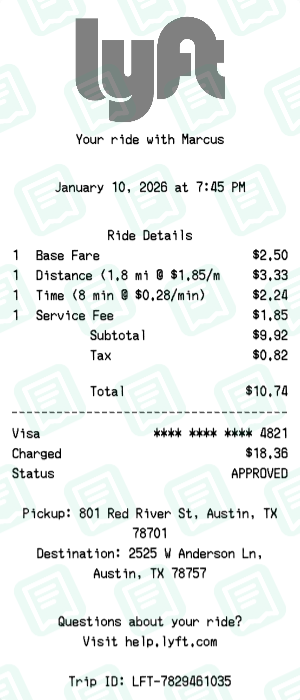
Lyft Receipt with Base Fare, Distance (1.8 mi @ $1.85/mi), Time (8 min @ $0.28/min) totaling $11
Rideshare receipt for city commute
Browse by Category
Find the perfect receipt template for your needs
Everything You Need
Packed with features to create professional receipts.
Upload custom logo
Add your own business logo or choose from our library to make receipts look authentic.
Edit line items
Add, remove, or modify line items with quantities, prices, and descriptions.
Payment methods
Select from cash, credit card, debit, or custom payment methods with realistic details.
Modular elements
Toggle receipt sections on or off — headers, footers, barcodes, tips, and more.
Business details
Customize store name, address, phone, tax ID, and other merchant information.
Custom fonts
Pick from thermal printer fonts, modern styles, or classic typefaces.
Realistic textures
Apply paper textures and thermal print effects for an authentic receipt look.
Frequently Asked Questions
Everything you need to know about our receipt maker
What is a receipt maker?
A receipt maker is an online tool that allows you to create professional-looking receipts for business transactions, expense tracking, and reimbursement purposes. Receipt Maker provides customizable templates for restaurants, retail stores, gas stations, and more.
How do I create a receipt online?
Creating a receipt with Receipt Maker is simple: 1) Choose a template that matches your business type, 2) Enter your business details like name, address, and logo, 3) Add line items with descriptions and prices, 4) Customize tax rates and payment methods, 5) Download your receipt as PNG or PDF.
Is Receipt Maker free to use?
Yes! Receipt Maker offers a free tier that allows you to create receipts with basic features. Premium plans unlock additional templates, remove watermarks, and provide advanced customization options.
What file formats can I download receipts in?
You can download your receipts in multiple formats including PNG (high-quality image), PDF (print-ready document), and JPEG. All formats are optimized for both digital sharing and physical printing.
Can I add my business logo to receipts?
Absolutely! Receipt Maker allows you to upload your own business logo, which will appear at the top of your receipts. This helps maintain brand consistency and makes your receipts look professional.
Are the receipts customizable?
Yes, our receipts are fully customizable. You can edit the store name, address, phone number, add or remove line items, adjust tax rates, change payment methods, modify fonts, and even add custom messages at the bottom of your receipts.
Can I create receipts for different types of businesses?
Receipt Maker offers templates for various business types including restaurants and cafes, retail stores, gas stations, grocery stores, hotels, parking lots, and many more. Each template is designed to match the authentic look of receipts from that industry.
Do I need to create an account to use Receipt Maker?
No account is required to start creating receipts! You can use our receipt maker immediately without signing up. However, creating a free account allows you to save your receipts, access them later, and sync across devices.
Is my data secure?
Yes, we take security seriously. All data is encrypted in transit using HTTPS, and we never share your information with third parties. Your receipts are stored securely and only accessible to you.
Can I edit a receipt after creating it?
Yes! If you have a free account, you can save your receipts and edit them anytime. Simply log in, go to your dashboard, and click on any receipt to make changes and re-download.
What payment methods can I show on receipts?
Receipt Maker supports all major payment methods including cash, credit cards (Visa, Mastercard, Amex), debit cards, Apple Pay, Google Pay, and custom payment methods. You can even show partial payments across multiple methods.
Can I print the receipts?
Yes! Our PDF downloads are optimized for printing on standard thermal receipt paper (80mm width) as well as regular paper sizes (A4, Letter). The receipts maintain their authentic appearance when printed.
What are the legal uses for Receipt Maker?
Receipt Maker is designed for legitimate purposes such as recreating lost receipts for personal expense tracking, creating mock-ups for business presentations, testing accounting software, educational purposes, and film/theater props. Users are solely responsible for ensuring their use complies with all applicable laws.
What is your liability disclaimer?
Receipt Maker provides this tool 'as is' for legitimate purposes only. We are not responsible for any misuse of the service. Users assume full responsibility for how they use receipts created with our platform. Creating fraudulent documents for illegal purposes such as tax evasion, insurance fraud, or false reimbursement claims is strictly prohibited and may be subject to criminal prosecution.
What uses are prohibited?
It is strictly prohibited to use Receipt Maker for any fraudulent, illegal, or deceptive purposes including but not limited to: submitting false expense claims, tax fraud, insurance fraud, deceiving employers or organizations, or any activity that violates local, state, or federal laws. Violation of these terms may result in account termination and reporting to relevant authorities.
Still have questions? Contact our support team