Free Online Receipt Maker
Build a custom receipt in your browser. Pick from 200+ store templates — Walmart, McDonald's, Target, Uber, Starbucks, CVS — edit every field, then download a print-ready PNG or PDF in under a minute.
The Free Online Receipt Maker
ReceiptMakr is a free online receipt maker with 200+ brand templates. Customize the store, items, prices, taxes, and payment details, then download a print-ready PNG or PDF in under a minute — no signup required.
Popular Receipt Makers
The most-searched brand receipt makers on ReceiptMakr — Walmart, McDonald's, Target, Uber, Starbucks, CVS, and more. Each opens with a template that matches the brand's real receipt format.
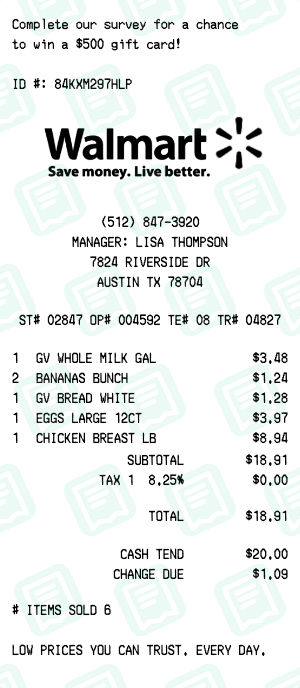
Walmart Receipt Maker
retail
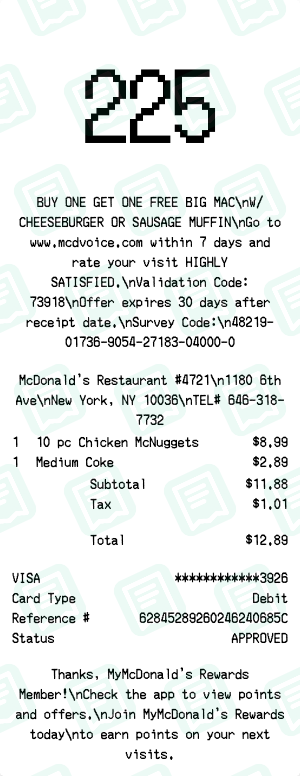
McDonald's Receipt Maker
fast food
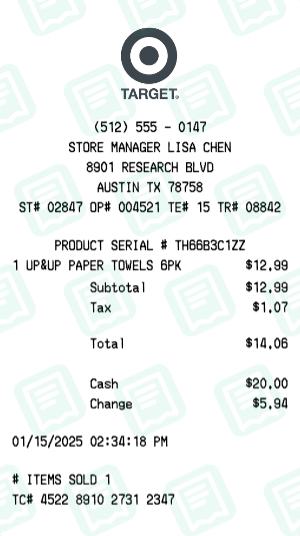
Target Receipt Maker
retail
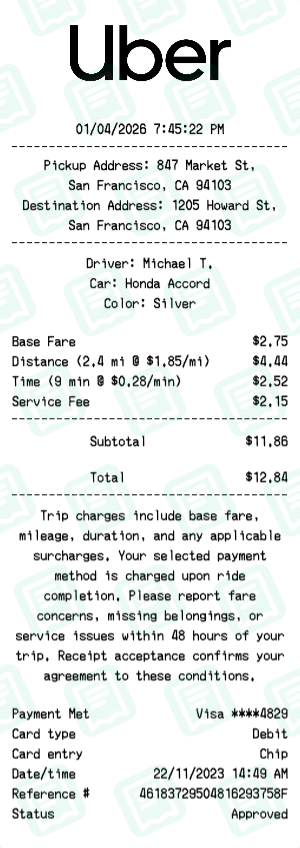
Uber Receipt Maker
rideshare
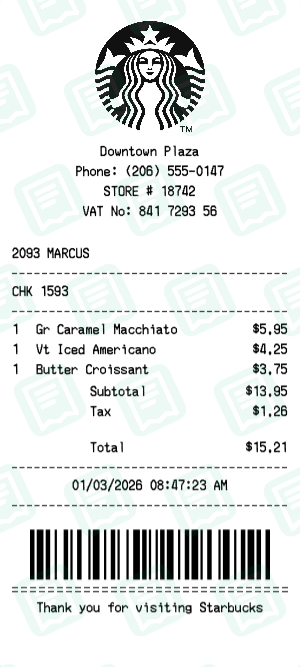
Starbucks Receipt Maker
coffee
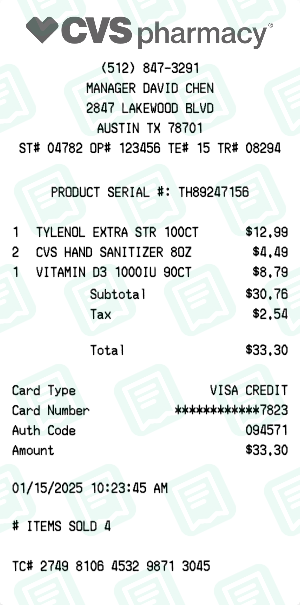
CVS Pharmacy Receipt Maker
pharmacy
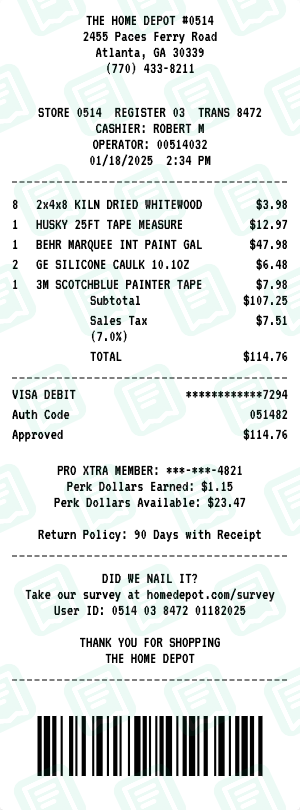
Home Depot Receipt Maker
retail
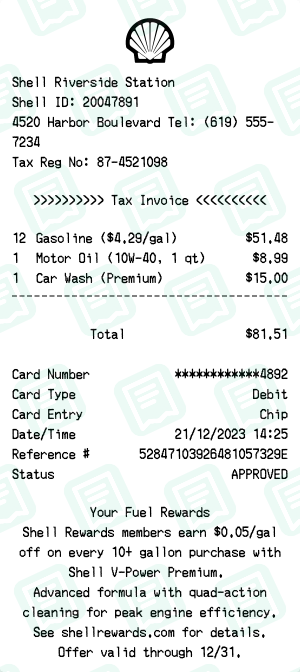
Shell Receipt Maker
gas station
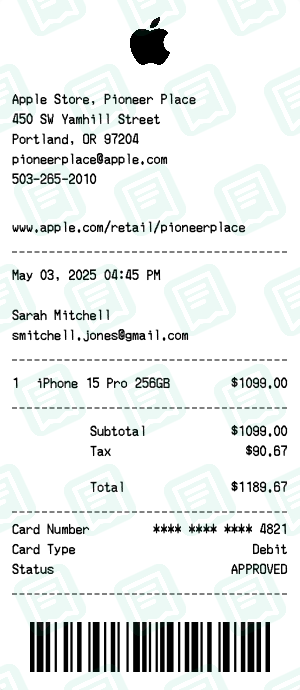
Apple Store Receipt Maker
electronics
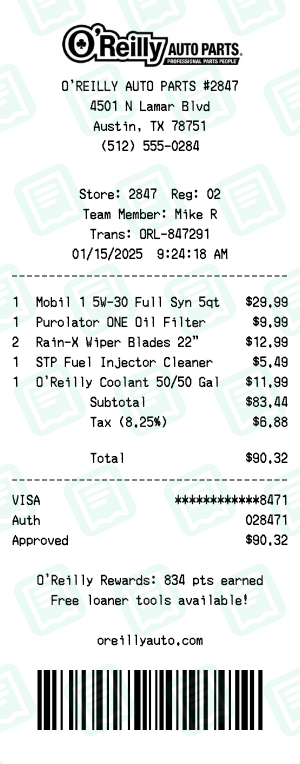
O'Reilly Auto Parts Receipt Maker
retail
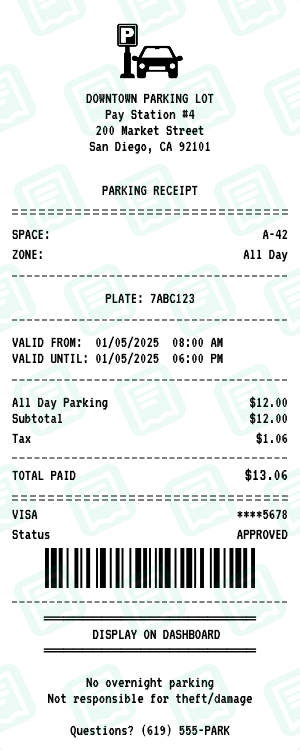
Parking Lot Receipt Maker
transportation
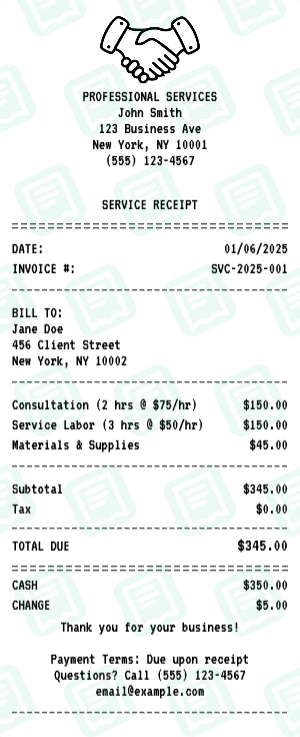
Service Receipt Maker
service
Receipt Makers by Category
Jump straight to the receipt maker for the kind of business you need to document.
What You Can Do with the Receipt Maker
Every detail you would expect from a real point-of-sale system — built into the browser.
Upload your own logo
Drop a PNG, JPG, or SVG and the receipt maker drops it into the header — perfect for branded business receipts.
Edit every line item
Add, reorder, or delete items with quantities, modifiers, and per-unit prices. Tax and totals recalculate live.
Realistic payment methods
Cash, card (Visa/MC/Amex), Apple Pay, Google Pay, gift cards, and split payments — with last-four masking.
Authentic POS look
Thermal paper, kraft, or aged textures, monospace receipt fonts, barcodes, and the small-print footer.
PNG or PDF export
PNG for digital sharing, PDF for printing at real 80mm receipt width or attaching to expense reports.
No signup, no install
The receipt maker runs entirely in your browser. Nothing to download, nothing to verify, nothing stored against your account.
How the Receipt Maker Works
Three steps from blank screen to print-ready receipt.
Pick a template
Choose from 200+ store and restaurant templates — Walmart, McDonald's, Target, Uber, Starbucks, CVS — or start from a generic layout.
Customize every field
Edit the store name, address, items, prices, tax, payment, and date. The preview updates live as you type.
Download PNG or PDF
Export the finished receipt instantly. PNG for digital, PDF for printing at real receipt size — no signup, no watermark on paid plans.
Receipt Maker FAQ
Everything people ask about ReceiptMakr — answered.
What is a receipt maker?
A receipt maker is an online tool that lets you create realistic-looking receipts in the browser. ReceiptMakr ships with 200+ brand templates — Walmart, McDonald's, Target, Uber, Starbucks, CVS, Apple, and more — pre-formatted with the right layout, fonts, and totals math. You edit the items, prices, dates, and payment details, then download the result as PNG or PDF.
Is the receipt maker really free?
Yes. Creating, customizing, and downloading receipts (with a small watermark) is free with no signup required. Paid plans only exist to remove the watermark and unlock a few pro features — every template, every editor field, and PNG/PDF export are free.
Do I need to create an account to use the receipt maker?
No. You can open the receipt maker, build a receipt, and download it without signing up. Creating a free account just lets you save and re-edit receipts later from your dashboard.
Which brands does the receipt maker support?
The most-searched brands are all here: Walmart, McDonald's, Target, Taco Bell, Uber, Lyft, Starbucks, CVS, Walgreens, Home Depot, Shell, Apple, Best Buy, Costco, Kroger, Chipotle, plus 200+ more across restaurants, fast food, grocery, gas stations, pharmacies, rideshare, hotels, and parking.
What can I edit on each receipt?
Everything. Store name, address, phone, items, quantities, prices, taxes, payment method, last-four card digits, dates, times, register number, transaction ID, even the small print at the bottom. If it appears on a real receipt, the receipt maker exposes it as an editable field.
What file formats does the receipt maker export?
PNG and PDF. PNG is best for digital sharing or quick prints. PDF is best for printing at real 80mm thermal receipt width or attaching to an expense report submission.
Can I make a receipt look like it was actually printed?
Yes. The receipt maker includes thermal-paper, kraft, and aged textures, authentic POS monospace fonts, barcodes, and a configurable footer. Output looks like it came straight off a real point-of-sale printer.
Is using a receipt maker legal?
For legitimate uses — recreating a lost receipt for your own expense tracking, building business mock-ups, props for film and theatre, software testing, education — yes. Using a receipt maker to commit fraud against an employer, insurer, or tax authority is illegal and against our Terms of Service. You are responsible for how you use what you create.
Does the receipt maker work on mobile?
Yes. The editor is fully responsive on phones and tablets, so you can create a receipt from anywhere — useful when you need to recreate a lost receipt while you're still on the road.
How long does it take to make one receipt?
Under a minute. Pick a template, edit the fields you need to change, hit download. The live preview means you see exactly what the exported PNG or PDF will look like before you save it.