Free Blank Receipt Maker
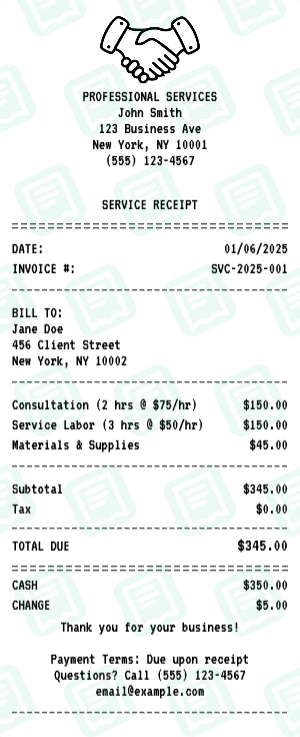
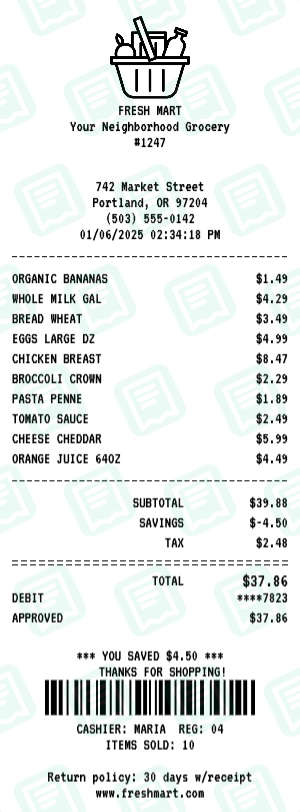
GenericStart with a blank receipt template. The Blank receipt maker loads a layout that mirrors a real Blank business receipt — same fields, same fonts, same totals — so you can fill it out in under a minute and download a print-ready file.
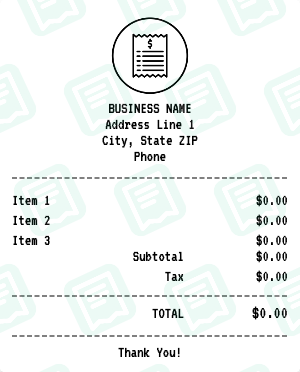
Free online blank receipt generator. Create custom receipts from scratch with a clean, minimal template. Perfect when you need complete control over every detail. Add your own business name, items, prices, and customize everything. No pre-filled content to delete. Export high-quality PNG or PDF instantly.
People use the Blank receipt maker for reimbursement and expense reports, personal budgeting and bookkeeping, and to keep clean records of cash purchases. Common search variants we cover include “blank receipt”, “empty receipt”, “custom receipt”.
Other generic receipt makers: Business receipt maker, POS Receipt receipt maker, Itemized Sales receipt maker, Modern POS receipt maker, Cash Register receipt maker, Simple Business receipt maker.
How to Create a Blank Receipt
Follow these simple steps to generate your receipt in seconds
Open the receipt maker
Click "Create Blank Receipt" to open the editor with the Blank layout pre-loaded — no signup, no download.
Edit store and transaction info
Replace the placeholder address, phone, store/operator number, date, and time with the details that match the Blank receipt you need.
Add line items and totals
Type each item, quantity, and price. The maker re-runs subtotal, tax, and final-total math every time you change a number.
Pick a payment method
Switch between cash, card, or split payment. Card details accept your own last-4, approval code, and reference number.
Download as PNG or PDF
Hit Download to export your Blank receipt as a high-resolution PNG (great for digital records) or PDF (great for printing).
Blank Receipt FAQs
Common questions about the Blank receipt maker
What is this blank receipt generator?
This is a free blank receipt template that lets you create custom receipts from scratch. Unlike other templates with pre-filled content, this starts minimal so you have complete control over every detail.
What can I customize on the blank receipt?
Everything! You can customize the business name and address, add your own logo, create any number of line items with custom descriptions and prices, set subtotal, tax, and total, add custom messages, and choose from different fonts and divider styles.
Why would I use a blank template instead of a specific one?
The blank template is perfect when none of the specific templates (restaurant, retail, service) fit your needs. It gives you a clean slate to create any type of receipt for any business or purpose.
Can I add my own items?
Yes, you can add as many line items as you need. Simply use the Add Item button to add more rows for products or services.
Can I add my own logo?
Yes, you can upload any logo image to appear at the top of the receipt.
Can I add more sections?
Yes, you can add additional sections like custom messages, date/time, barcodes, payment details, or columns using the Add Section feature.
How do I download my receipt?
After customizing your receipt, click the Download button to save it as a high-quality PNG or PDF file. No account or signup is required.
Is this blank receipt generator free?
Yes, the blank receipt generator is completely free to use. You can create and download as many receipts as you need without any payment required.
Can I change the font?
Yes, you can choose from multiple fonts including thermal (classic receipt look), merchant, and others to match your desired style.
Can I change the currency?
Yes, you can configure currency symbol, currency position (before or after amount), and the number format.
Can I add custom text?
Yes, you can add custom text at the top, bottom, or anywhere in the receipt using custom message sections.
Can I add a background?
Yes, you can apply a paper texture background to give the receipt a more realistic printed look.
More Generic Receipt Makers
Other generic brands you can generate a receipt for