Free POS Receipt Receipt Maker
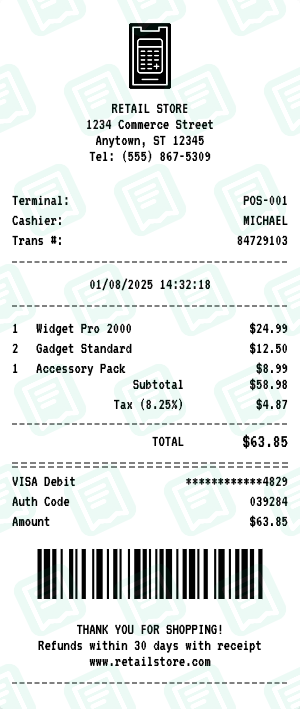
GenericClassic point-of-sale terminal receipt. The POS Receipt receipt maker loads a layout that mirrors a real POS Receipt business receipt — same fields, same fonts, same totals — so you can fill it out in under a minute and download a print-ready file.
Free online POS receipt generator. Create authentic point-of-sale terminal receipts with transaction details, item lists, and payment information. Perfect for businesses, retail stores, and expense documentation. Customize store info, items, prices, tax, and payment method. Export high-quality PNG or PDF instantly. For personal use only.
People use the POS Receipt receipt maker for reimbursement and expense reports, personal budgeting and bookkeeping, and to keep clean records of cash purchases. Common search variants we cover include “pos receipt generator”, “pos receipt template”, “point of sale receipt”.
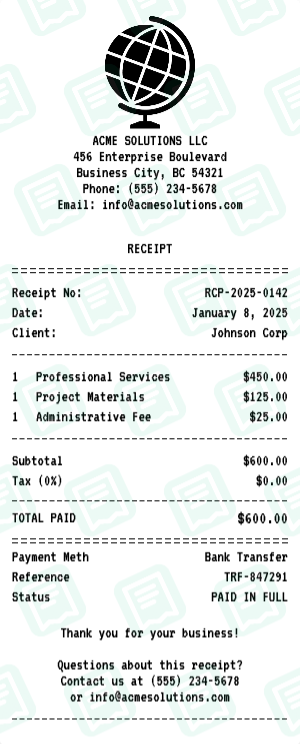
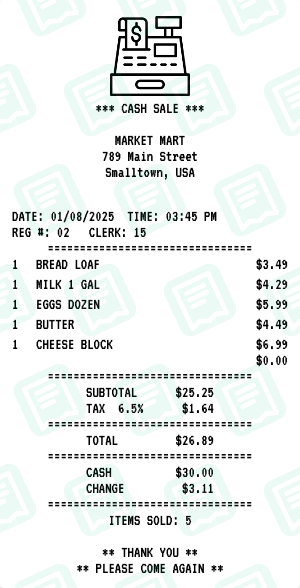
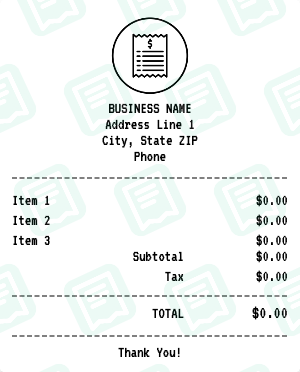
Other generic receipt makers: Business receipt maker, Itemized Sales receipt maker, Modern POS receipt maker, Cash Register receipt maker, Blank receipt maker, Simple Business receipt maker.
How to Create a POS Receipt Receipt
Follow these simple steps to generate your receipt in seconds
Open the receipt maker
Click "Create POS Receipt Receipt" to open the editor with the POS Receipt layout pre-loaded — no signup, no download.
Edit store and transaction info
Replace the placeholder address, phone, store/operator number, date, and time with the details that match the POS Receipt receipt you need.
Add line items and totals
Type each item, quantity, and price. The maker re-runs subtotal, tax, and final-total math every time you change a number.
Pick a payment method
Switch between cash, card, or split payment. Card details accept your own last-4, approval code, and reference number.
Download as PNG or PDF
Hit Download to export your POS Receipt receipt as a high-resolution PNG (great for digital records) or PDF (great for printing).
POS Receipt Receipt FAQs
Common questions about the POS Receipt receipt maker
What is this POS receipt generator?
This is a free online tool to create authentic-looking point-of-sale (POS) terminal receipts. It replicates the standard format used by retail POS systems worldwide.
What can I customize on the POS receipt?
You can customize the store name and address, terminal ID, cashier name, transaction number, date and time, all line items with quantities and prices, tax rate and amount, payment method (cash or card), and footer messages.
What is a POS receipt?
POS receipts are the standard format used by most retail stores, shops, and businesses with electronic cash registers. This template creates that familiar thermal receipt look.
What is this template best for?
This template is perfect for retail stores, shops, small businesses, expense documentation, budget tracking, film and theater props, or any situation requiring a standard retail receipt format.
Can I add multiple items?
Yes, you can add as many items as needed. Each item can have a name, quantity, and price. The totals are calculated automatically.
Can I include tax?
Yes, you can set any tax rate and the tax amount will be shown separately from the subtotal before the final total.
Can I show different payment methods?
Yes, you can show either cash payment with change due, or card payment with card type, masked card number, and authorization code.
Is there a barcode?
Yes, the receipt includes a barcode section that generates automatically. This adds authenticity to the receipt.
How do I download my POS receipt?
After customizing your receipt, click the Download button to save it as a high-quality PNG or PDF file. No account or signup is required.
Is this POS receipt generator free?
Yes, the POS receipt generator is completely free to use. Create and download as many receipts as you need.
Can I add terminal and transaction details?
Yes, you can add terminal ID, cashier name/ID, and transaction numbers to make the receipt look more authentic.
Can I customize the footer message?
Yes, you can customize the footer with your store policies, return information, website, or any other message.
More Generic Receipt Makers
Other generic brands you can generate a receipt for