Free Construction Receipt Maker
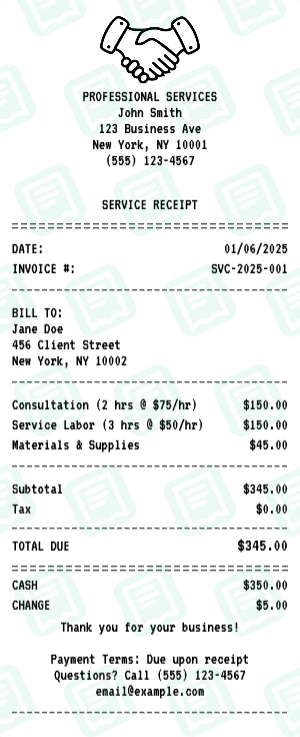
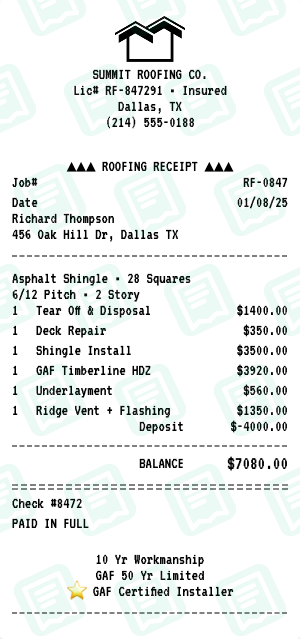
ServicesProfessional construction project receipt. The Construction receipt maker loads a layout that mirrors a real Construction service business receipt — same fields, same fonts, same totals — so you can fill it out in under a minute and download a print-ready file.
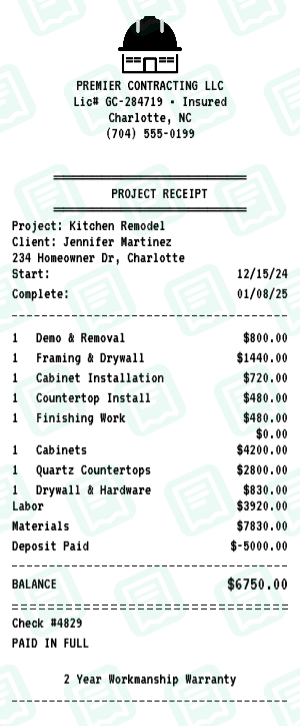
Free online construction receipt generator. Create professional receipts for construction projects with labor, materials, equipment, and project milestones. Perfect for construction companies, builders, and project managers. Customize all details including phase breakdowns, change orders, and permits. Export high-quality PNG or PDF instantly. For personal use only.
People use the Construction receipt maker for invoicing customers and clients for work performed, tracking job-by-job revenue for self-employed contractors, and to keep clean records of cash purchases. Common search variants we cover include “construction receipt”, “construction receipt generator”, “builder receipt”.
Other services receipt makers: Contractor receipt maker, Service receipt maker, Auto Repair receipt maker, Babysitting receipt maker, Car Detailing receipt maker, Handyman receipt maker.
How to Create a Construction Receipt
Follow these simple steps to generate your receipt in seconds
Open the service receipt maker
Click "Create Construction Receipt" to load the service layout — separate sections for labor, materials, and call-out fees.
Set business and customer info
Enter the business name, license number, address, and the customer name and address. Job number and date are also dedicated fields.
Add labor lines
For each labor line, enter description, hours worked, and hourly rate. The line total calculates automatically.
Add materials and call-out fee
Add each material with quantity and price. The call-out / trip fee gets its own row so the customer sees it broken out.
Download an invoice-style receipt
Export the Construction receipt as PDF — best format for invoicing and client records.
Construction Receipt FAQs
Common questions about the Construction receipt maker
What is this construction receipt generator?
This is a free online tool to create professional construction receipts. Perfect for construction companies, builders, and project managers.
What can I customize on the construction receipt?
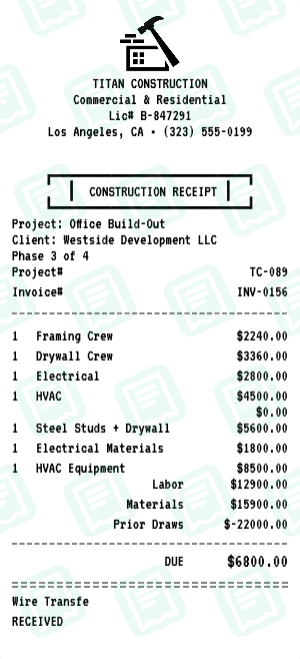
You can customize business info with license number, client details, project info, phase tracking, labor breakdown by trade, materials list, equipment rental, permits, previous payments, and payment details.
Can I show labor, materials, and equipment separately?
Yes, you can list labor and materials separately, plus add equipment rental as its own category.
Can I track project phases?
Yes, you can include project phase information and track multi-phase projects.
Can I add my contractor license?
Yes, you can include your contractor license number in the header.
Can I include permit information?
Yes, you can list permit numbers for building, electrical, mechanical, and other permits.
Can I track previous payments?
Yes, you can track previous payments/draws and show the remaining balance due.
How do I download my construction receipt?
After customizing your receipt, click Download to save as PNG or PDF. No account required.
Is this construction receipt generator free?
Yes, the construction receipt generator is completely free to use.
Can I break down by trade?
Yes, you can break down labor by different trades (framing, electrical, HVAC, etc.).
Can I use project numbers?
Yes, you can use separate project and invoice numbers.
Is this good for commercial projects?
Yes, this is suitable for both commercial and residential construction projects.
More Services Receipt Makers
Other services brands you can generate a receipt for