Free Hy-Vee Receipt Maker
GroceryGenerate realistic Hy-Vee supermarket receipts. The Hy-Vee receipt maker loads a layout that mirrors a real Hy-Vee grocery store receipt — same fields, same fonts, same totals — so you can fill it out in under a minute and download a print-ready file.
Free online Hy-Vee receipt maker. Create authentic-looking supermarket and grocery receipts with store details, line items, Fuel Saver rewards, and payment info. Customize items, prices, tax, totals. Export high-quality PNG or PDF for expense tracking, reimbursement, or budget documentation. NOT affiliated with Hy-Vee, Inc. For personal use only.
People use the Hy-Vee receipt maker for household budgeting and grocery expense tracking, reimbursement for shopping done on behalf of someone else, and to keep clean records of cash purchases. Common search variants we cover include “hy-vee receipt”, “hyvee receipt generator”, “hyvee receipt template”.
Other grocery receipt makers: Grocery receipt maker, Supermarket receipt maker, Wegmans receipt maker, LIDL receipt maker, Kroger receipt maker, H-E-B receipt maker.
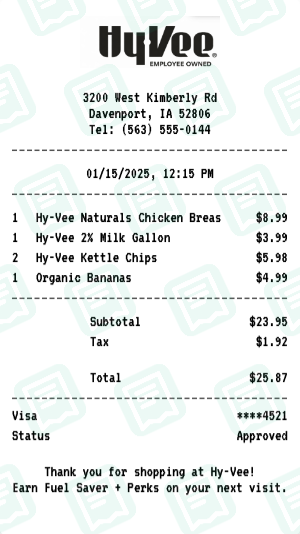
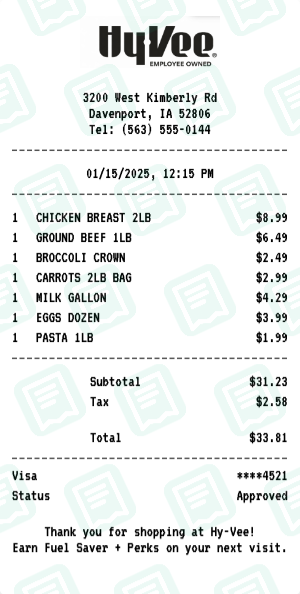
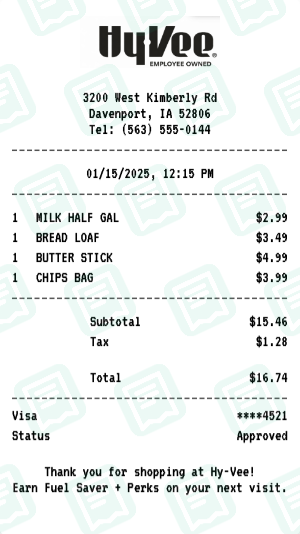
Hy-Vee Receipt Examples
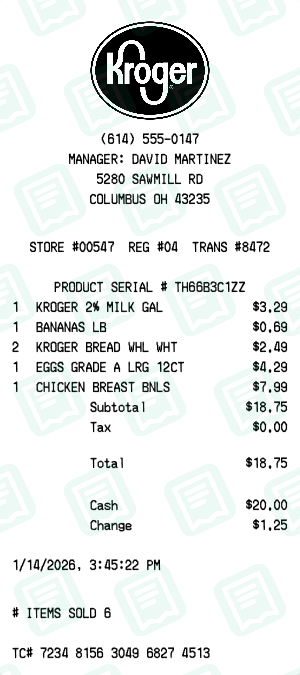
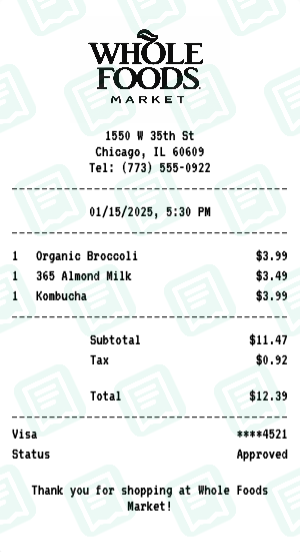
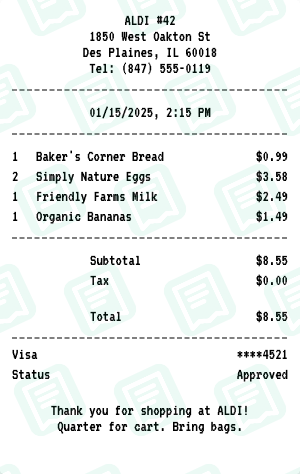
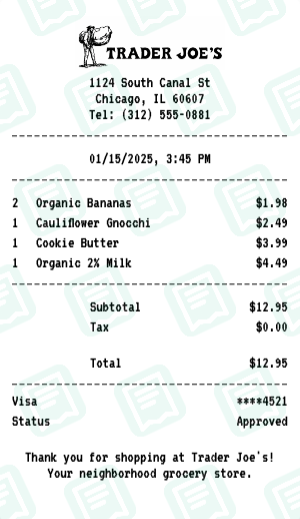
Real hy-vee receipts created with our receipt maker
How to Create a Hy-Vee Receipt
Follow these simple steps to generate your receipt in seconds
Open the grocery receipt maker
Click "Create Hy-Vee Receipt" to load the Hy-Vee grocery layout with department subtotals, produce codes, and savings rows.
Set store and visit info
Enter the Hy-Vee store address, store number, register, cashier, and the date/time of the trip.
Add items with PLU / UPC and weight
For each item, set name, optional PLU or UPC, quantity (or weight in lb/kg), and price. Subtotals update on the fly.
Add coupons, discounts, and loyalty savings
Use the savings rows for coupon discounts, loyalty-card savings, and weekly-ad deals. The receipt prints "You saved $X" the way a real Hy-Vee receipt does.
Download print-ready grocery receipt
Export your Hy-Vee grocery receipt as PNG or PDF in the matching size.
Hy-Vee Receipt FAQs
Common questions about the Hy-Vee receipt maker
Is this an official Hy-Vee receipt generator?
No. This tool is NOT affiliated with, endorsed by, or connected to Hy-Vee, Inc. It is an independent receipt generator for personal use such as expense tracking, reimbursement, or budget documentation.
Why would I need a Hy-Vee receipt generator?
Common uses include expense tracking, reimbursement claims, budget planning, meal prep cost tracking, and personal record keeping.
Is the Hy-Vee receipt generator free?
Yes. Create and customize receipts with no signup. Download as PNG or PDF instantly.
Can I customize items and prices?
Absolutely. Edit all line items, quantities, prices, subtotal, tax, and total. Add or remove items as needed.
Can I add Fuel Saver or Perks info?
Yes. Use the custom message section to add rewards, fuel points, or any footer text.
Does it support cash and card payment?
Yes. Choose cash or card display. Edit card mask, approval status, cash tendered, and change.
What file formats can I export?
Download as high-resolution PNG or PDF, suitable for printing or digital submission.
Do I need to install software?
No. Works entirely in your browser on desktop or mobile.
Is it good for expense reimbursement?
Yes. Many users create receipts for work reimbursements, tax records, or budgeting.
Who is responsible for use?
Users are solely responsible. This tool is for legitimate personal purposes only.
More Grocery Receipt Makers
Other grocery brands you can generate a receipt for