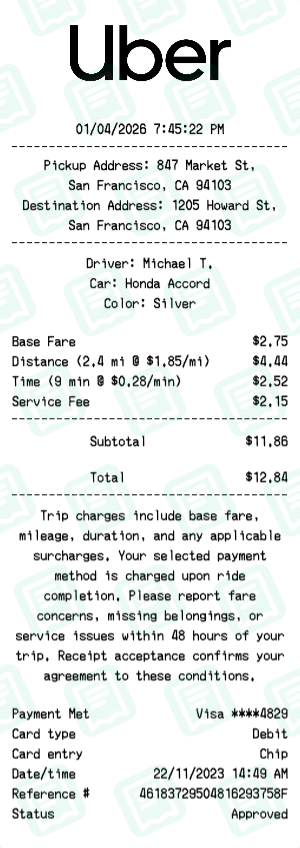
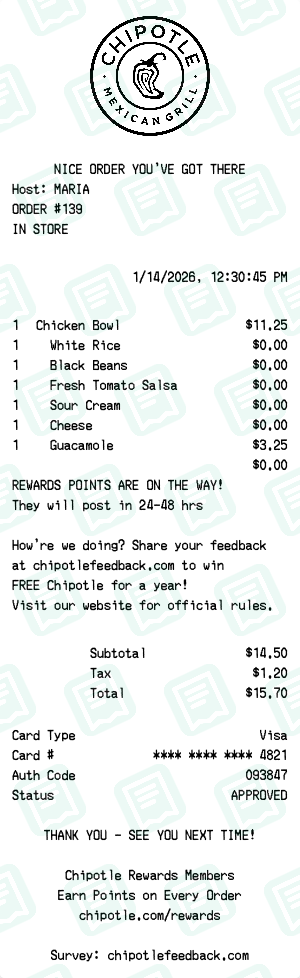
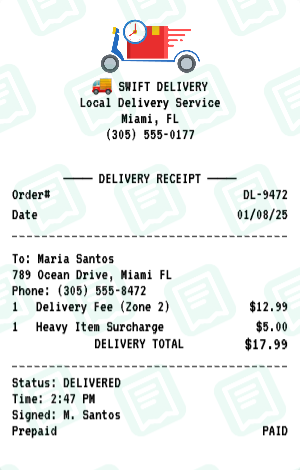
Free DoorDash Receipt Maker
Food DeliveryGenerate realistic DoorDash delivery receipts. The DoorDash receipt maker loads a layout that mirrors a real DoorDash business receipt — same fields, same fonts, same totals — so you can fill it out in under a minute and download a print-ready file.
Free online DoorDash receipt maker. Generate realistic food delivery receipts with restaurant name, order items, delivery fee, service fee, tip, and payment breakdown. Customize every detail — dasher name, delivery address, order number, timestamps, and itemized totals. Download a high-quality PNG or PDF DoorDash receipt instantly. Ideal for expense tracking, meal reimbursement, or personal budgeting. No signup required. NOT affiliated with DoorDash, Inc.
People use the DoorDash receipt maker for reimbursement and expense reports, personal budgeting and bookkeeping, and to keep clean records of cash purchases. Common search variants we cover include “doordash receipt generator”, “doordash receipt template”, “food delivery receipt maker”.
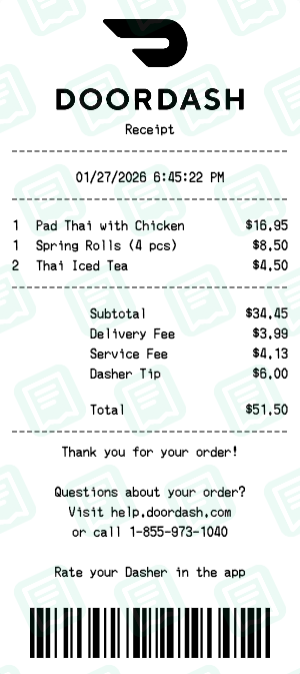
DoorDash Receipt Examples
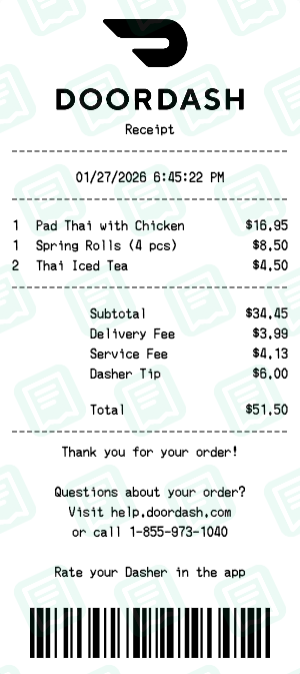
Real doordash receipts created with our receipt maker
How to Create a DoorDash Receipt
Follow these simple steps to generate your receipt in seconds
Open the receipt maker
Click "Create DoorDash Receipt" to open the editor with the DoorDash layout pre-loaded — no signup, no download.
Edit store and transaction info
Replace the placeholder address, phone, store/operator number, date, and time with the details that match the DoorDash receipt you need.
Add line items and totals
Type each item, quantity, and price. The maker re-runs subtotal, tax, and final-total math every time you change a number.
Pick a payment method
Switch between cash, card, or split payment. Card details accept your own last-4, approval code, and reference number.
Download as PNG or PDF
Hit Download to export your DoorDash receipt as a high-resolution PNG (great for digital records) or PDF (great for printing).
DoorDash Receipt FAQs
Common questions about the DoorDash receipt maker
Is this an official DoorDash receipt generator?
No, this is NOT affiliated with, endorsed by, or connected to DoorDash, Inc. in any way. This is an independent tool for personal use such as expense tracking, budgeting, or entertainment purposes only.
Why would someone need a food delivery receipt generator?
Common uses include personal expense tracking, reimbursement documentation, budget planning, creating props for film or theater, educational demonstrations, software testing, and record keeping for legitimate personal purposes.
Is this DoorDash receipt generator free to use?
Yes, this receipt generator is completely free. Create and customize receipts for personal use, download as PNG, no signup required.
Can I customize the restaurant and order details?
Absolutely! Customize the restaurant name, address, delivery address, order items, quantities, prices, fees, tip amount, and all other details.
What fees can I include on the receipt?
You can add subtotal, delivery fee, service fee, taxes, dasher tip, and any other custom line items with your own amounts.
Can I add dasher/driver information?
Yes, you can include your dasher's name, delivery time, and any other delivery details you want to show on the receipt.
Can I upload my own logo?
Yes, you can upload your own custom logo to replace the default one. Supports PNG, JPG, and SVG formats for maximum flexibility.
Can I make the receipt look like a real printed one?
Yes! We offer realistic thermal paper textures, authentic receipt fonts, and aging effects to make your receipts look genuine and printed.
What file formats can I export the receipt in?
Download your receipt as a high-resolution PNG image or PDF file, perfect for printing or digital use and record keeping.
Do I need to download any software?
No software download required. Our receipt generator works entirely in your web browser. Just visit the site, customize your receipt, and download instantly.
Is there a watermark on the receipts?
Free receipts include a small watermark. You can remove the watermark by upgrading to a premium plan for completely clean exports.
Is the receipt generator mobile-friendly?
Yes, our receipt maker works perfectly on smartphones, tablets, and desktop computers. Create and customize receipts on any device with a web browser.
Who is responsible for how this tool is used?
Users are solely responsible for their use of this tool. This generator is provided as-is for legitimate personal purposes only. Any misuse is the responsibility of the user.
More Food Delivery Receipt Makers
Other food delivery brands you can generate a receipt for