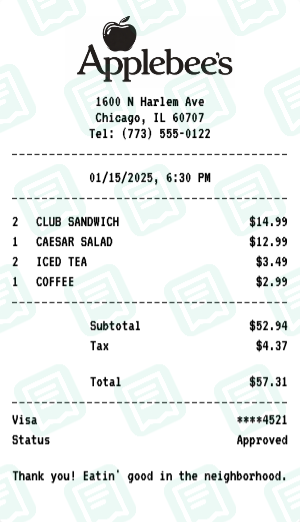
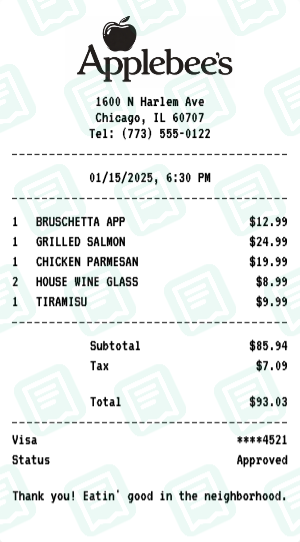
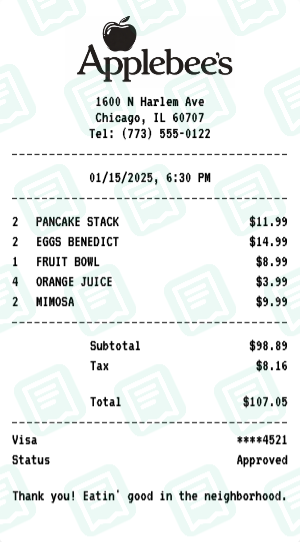
Applebees Receipt with PANCAKE STACK, EGGS BENEDICT, FRUIT BOWL -…
RestaurantApplebee's receipt - Weekend family gathering
A Applebee's receipt example weekend family brunch with pancakes, eggs, and mimosas. Great for tracking family dining expenses.
Applebees Receipt FAQs
Common questions about this Applebees receipt example
What does this Applebees receipt example show?
This example is "Applebee's Receipt Example - Family Brunch" — applebee's receipt - weekend family gathering. It comes pre-filled with realistic restaurant items, prices, and totals so you can see exactly what a Applebees receipt looks like before customizing your own.
Can I edit this Applebees receipt example or do I have to start from scratch?
You can edit it. Hit "Use This Example" and the Applebees receipt maker opens with every field — store name, address, items, prices, tax, payment, date — already populated. Change just what you need and download the result as PNG or PDF.
Can I include a tip and auto-gratuity on the Applebees receipt?
Yes. The maker has a dedicated tip line and an auto-gratuity row you can switch on for parties of 6+. You can edit the suggested tip percentages too.
Will the Applebees receipt show a server name and table number?
Yes — the Applebees layout has fields for server name, server ID, table number, and guest count, all editable.
Can I add subtotals for food vs. alcohol?
Yes. Use the subtotal rows in the items section to break out food, beverage, or alcohol totals — handy for expense reports that require itemized food vs. drink amounts.
Does the receipt include a check number?
Yes. A unique check number is generated automatically; you can override it with any value you want.
More Applebees Receipt Examples
Explore other Applebees receipts you can customize